Highlight covers
Tap any image to open it full size, then press and hold to save it to your photos. When you add a highlight, choose Edit Cover and pick the matching circle.
 Client Wins
 Her Results
 Before/After
 Who Is Ben
 How It Works
 Podcast
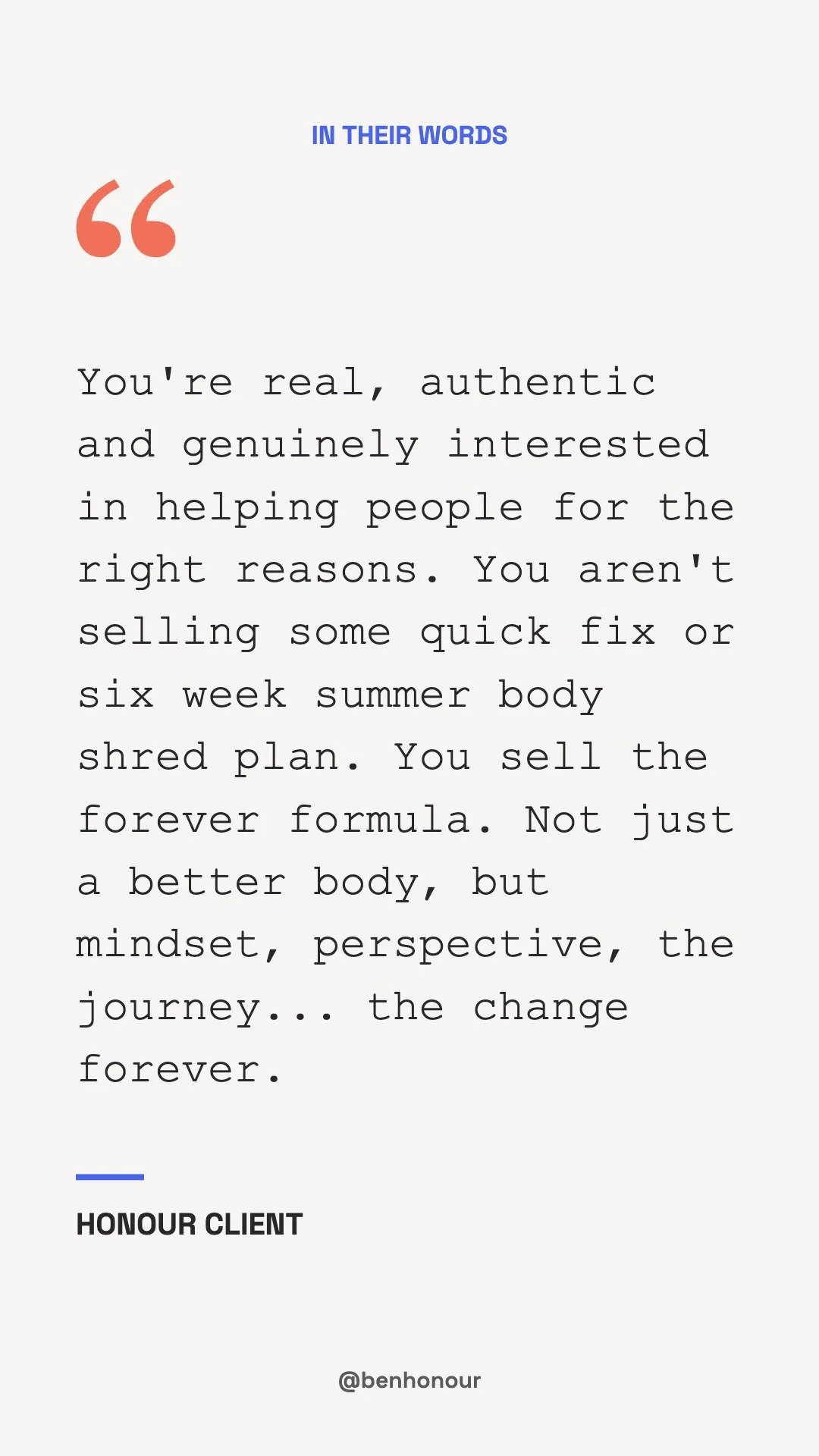
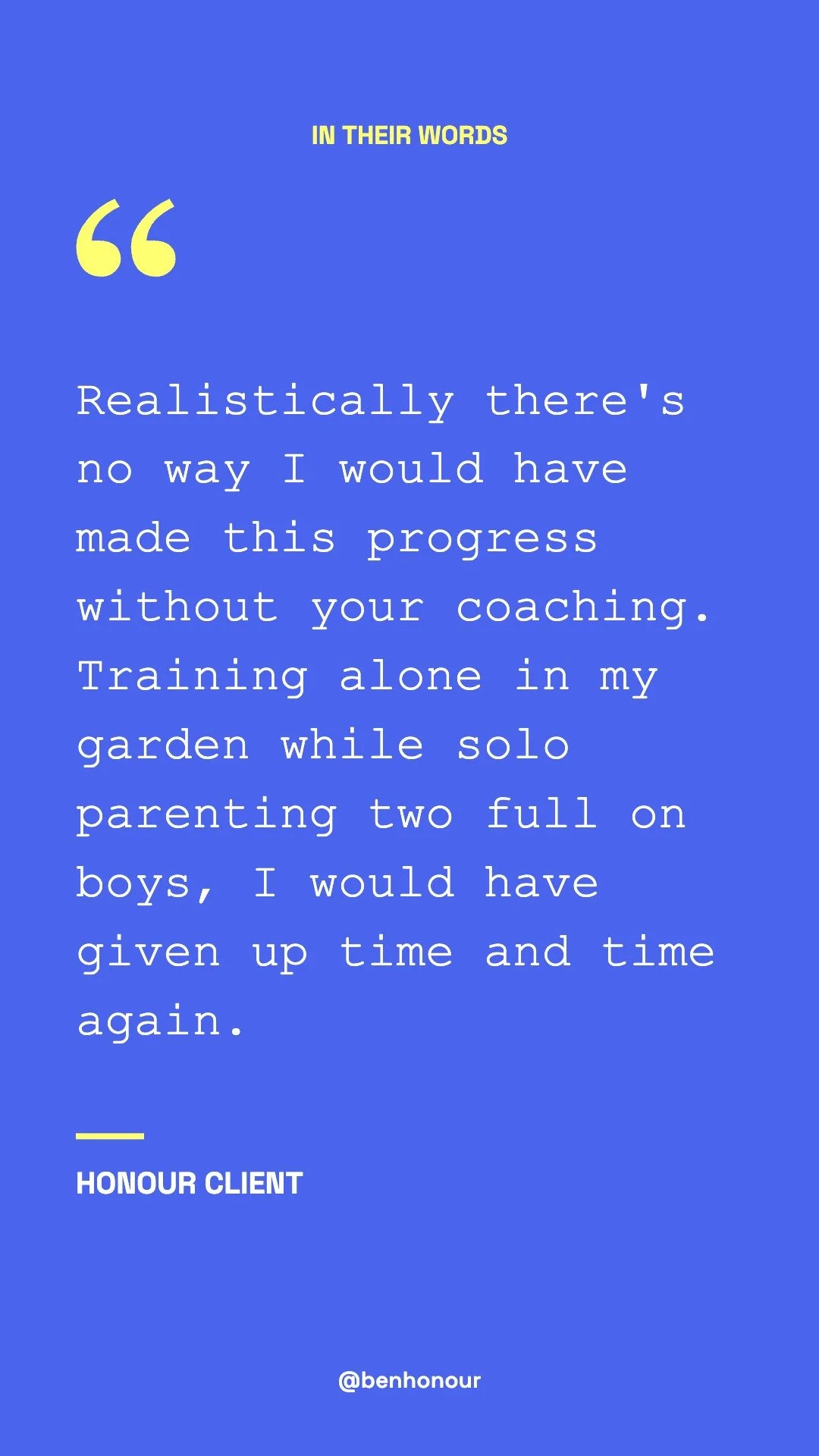
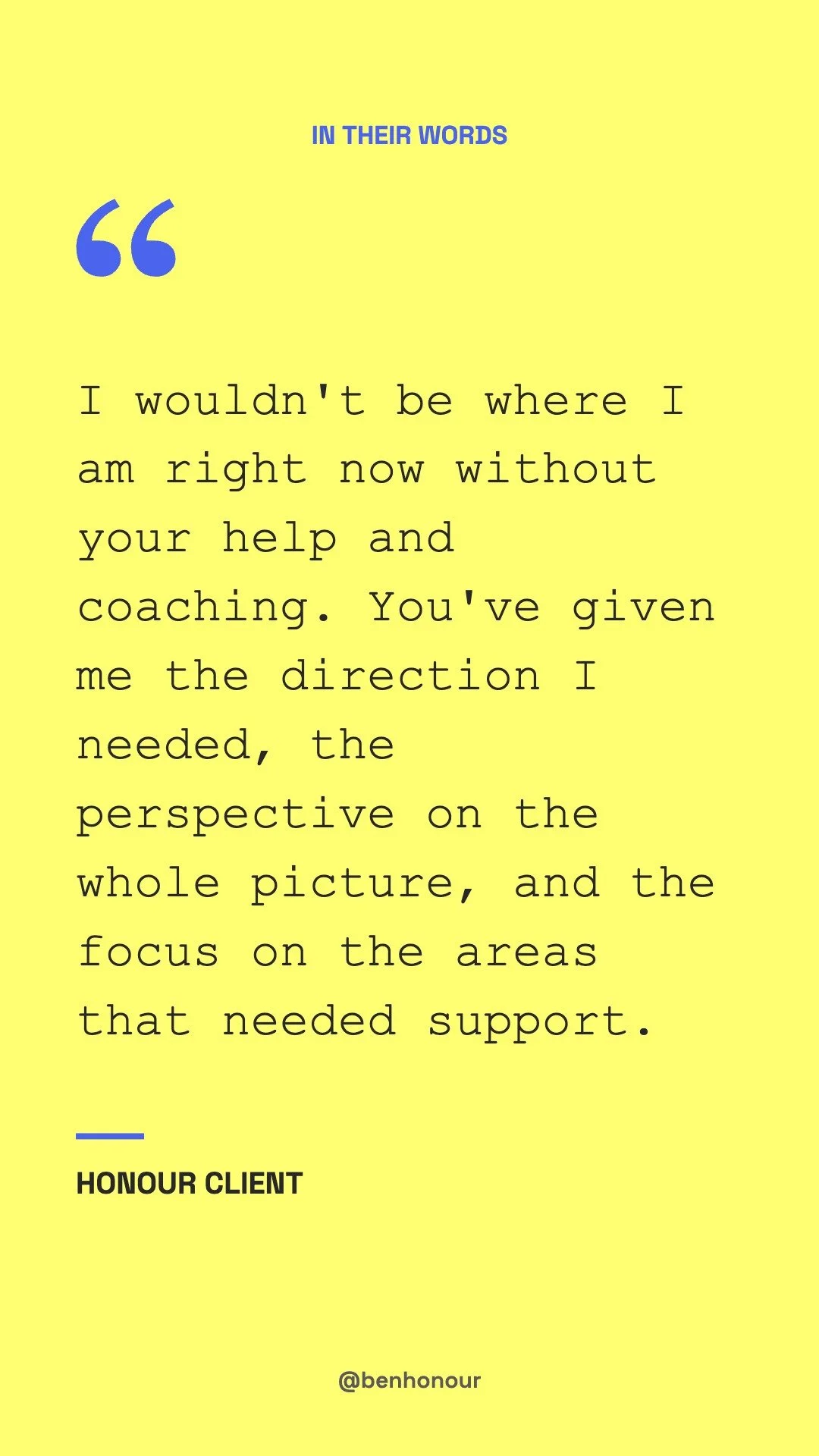
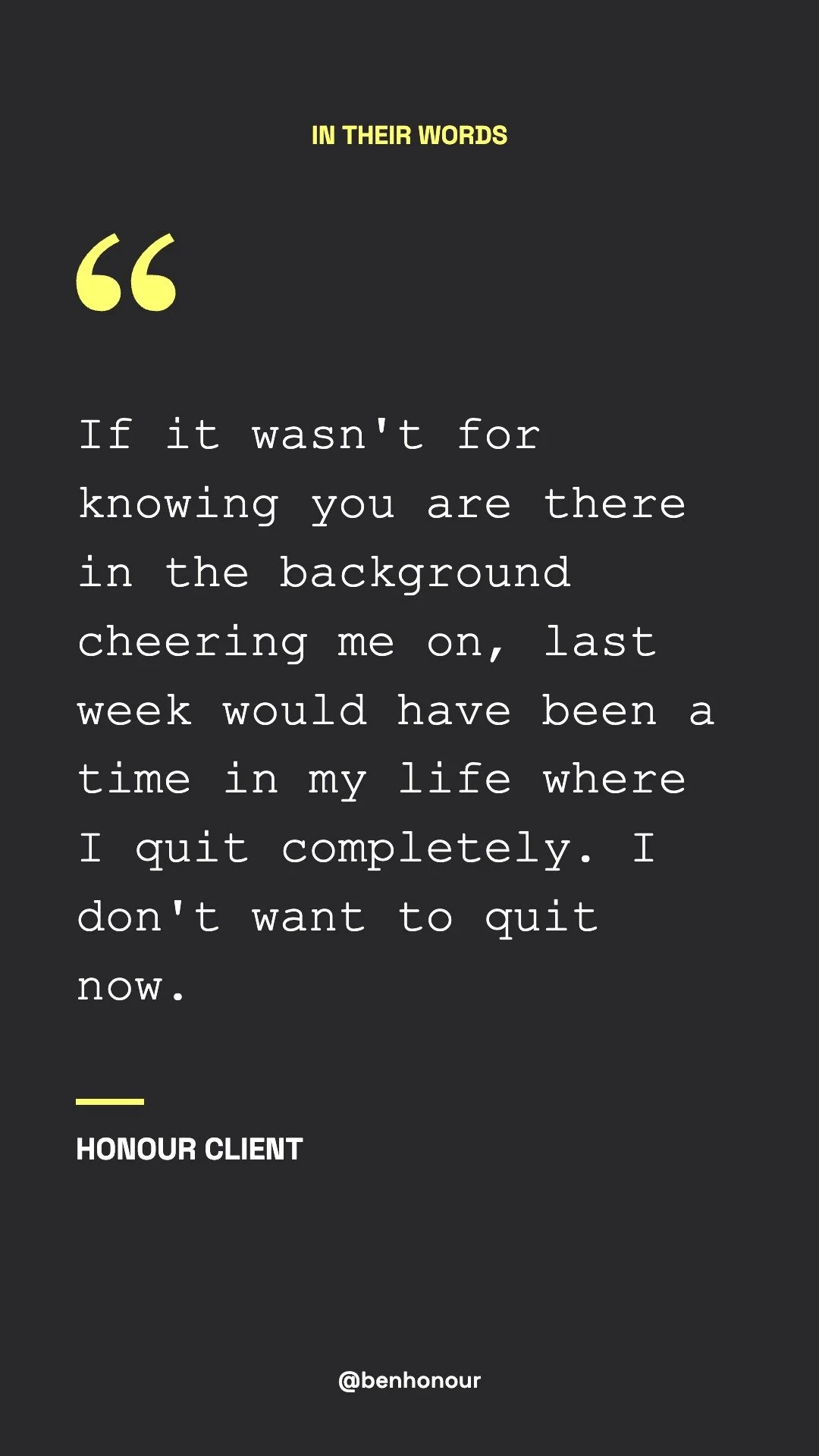
 In Their Words
For Before/After and Podcast, use the covers above and add your existing before/after reels and podcast clips to those highlights.
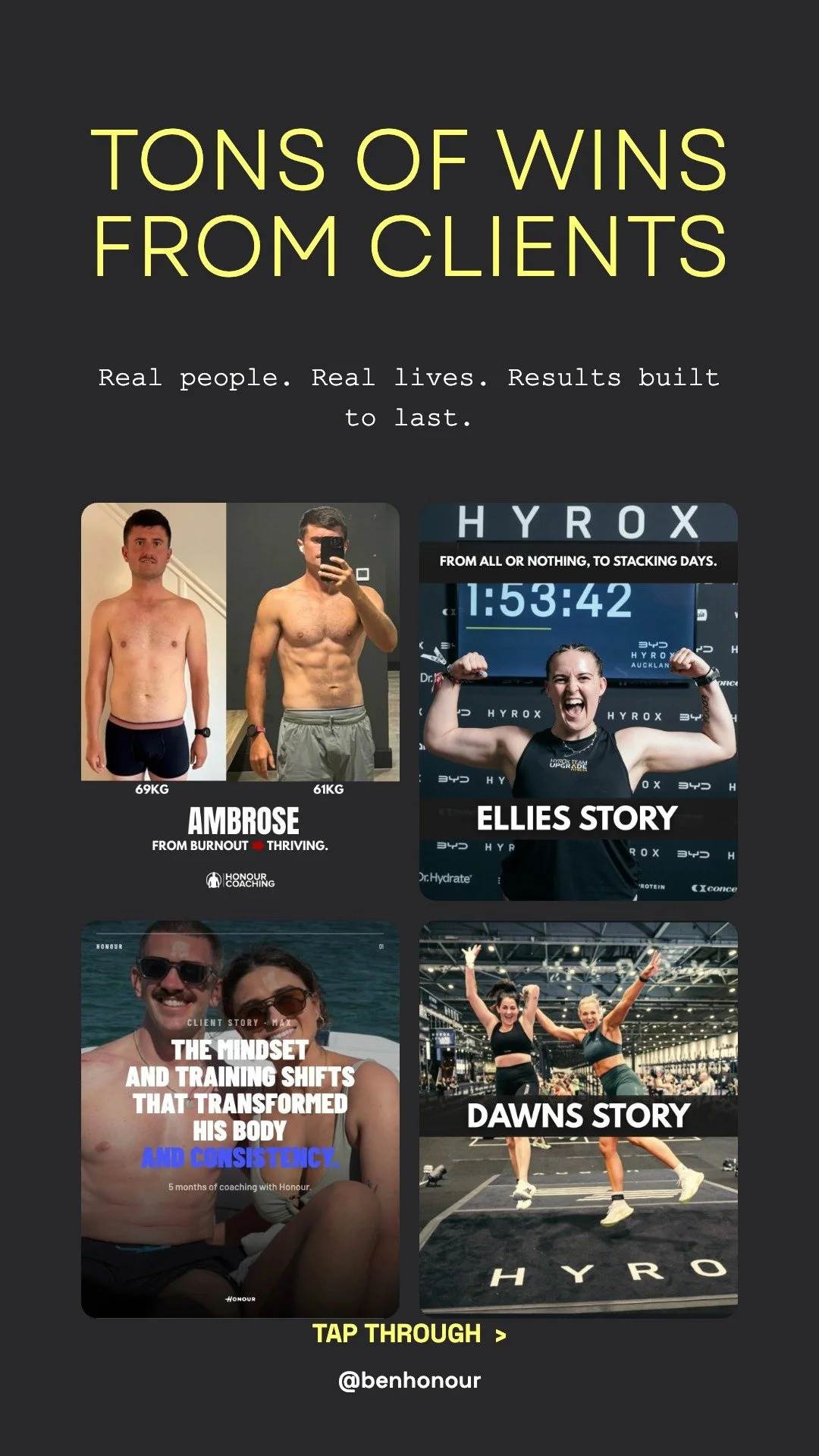
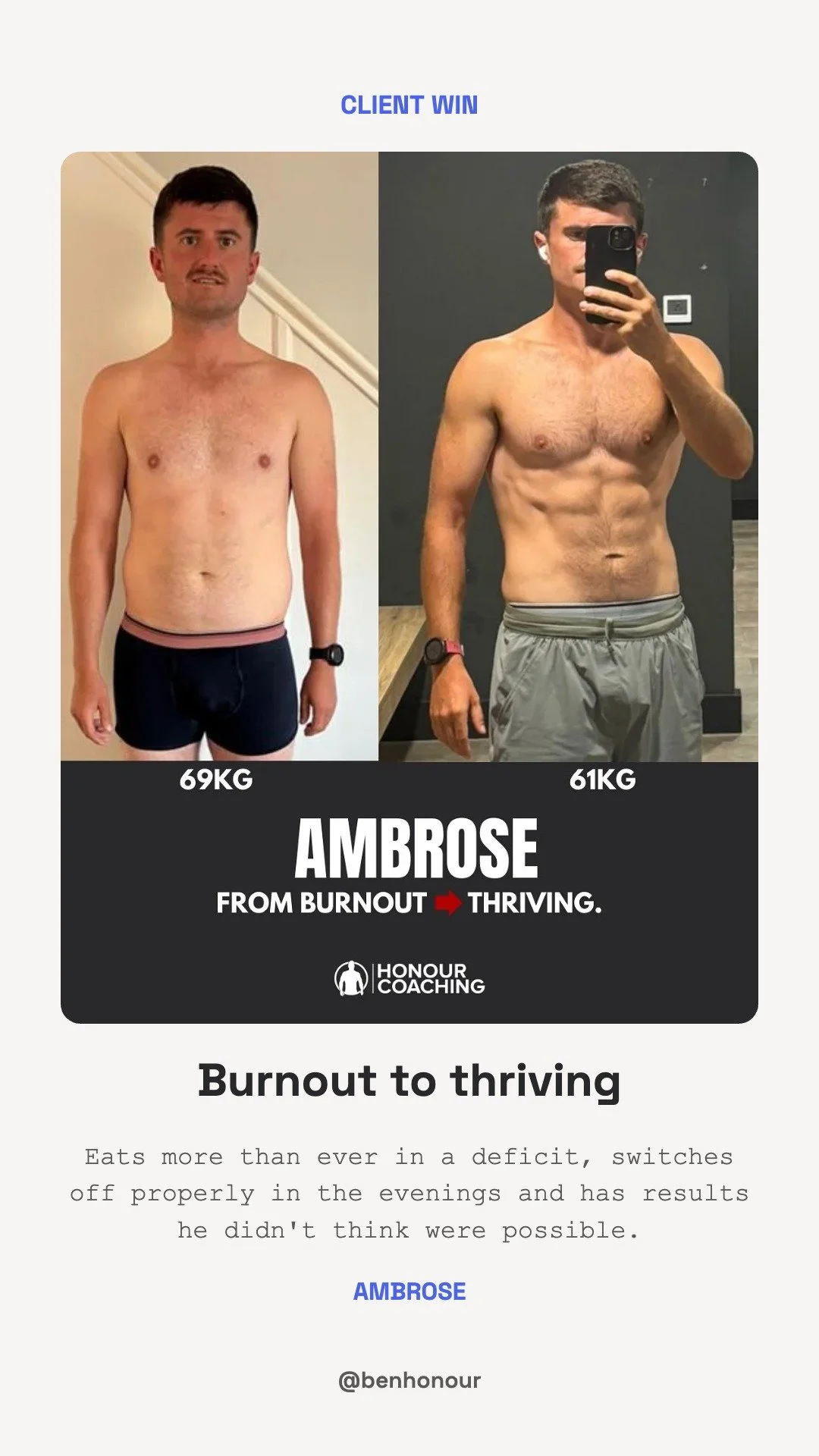
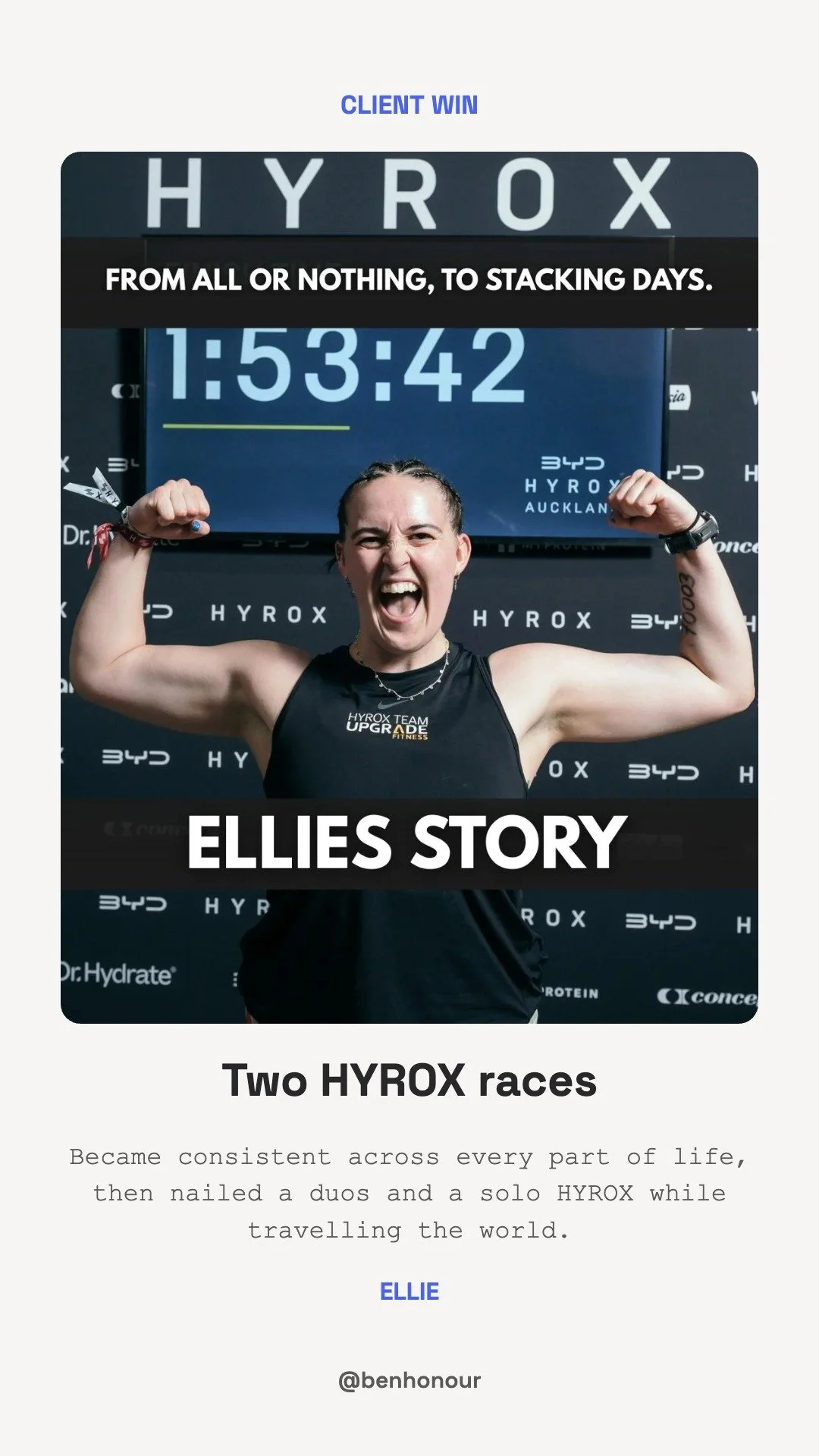
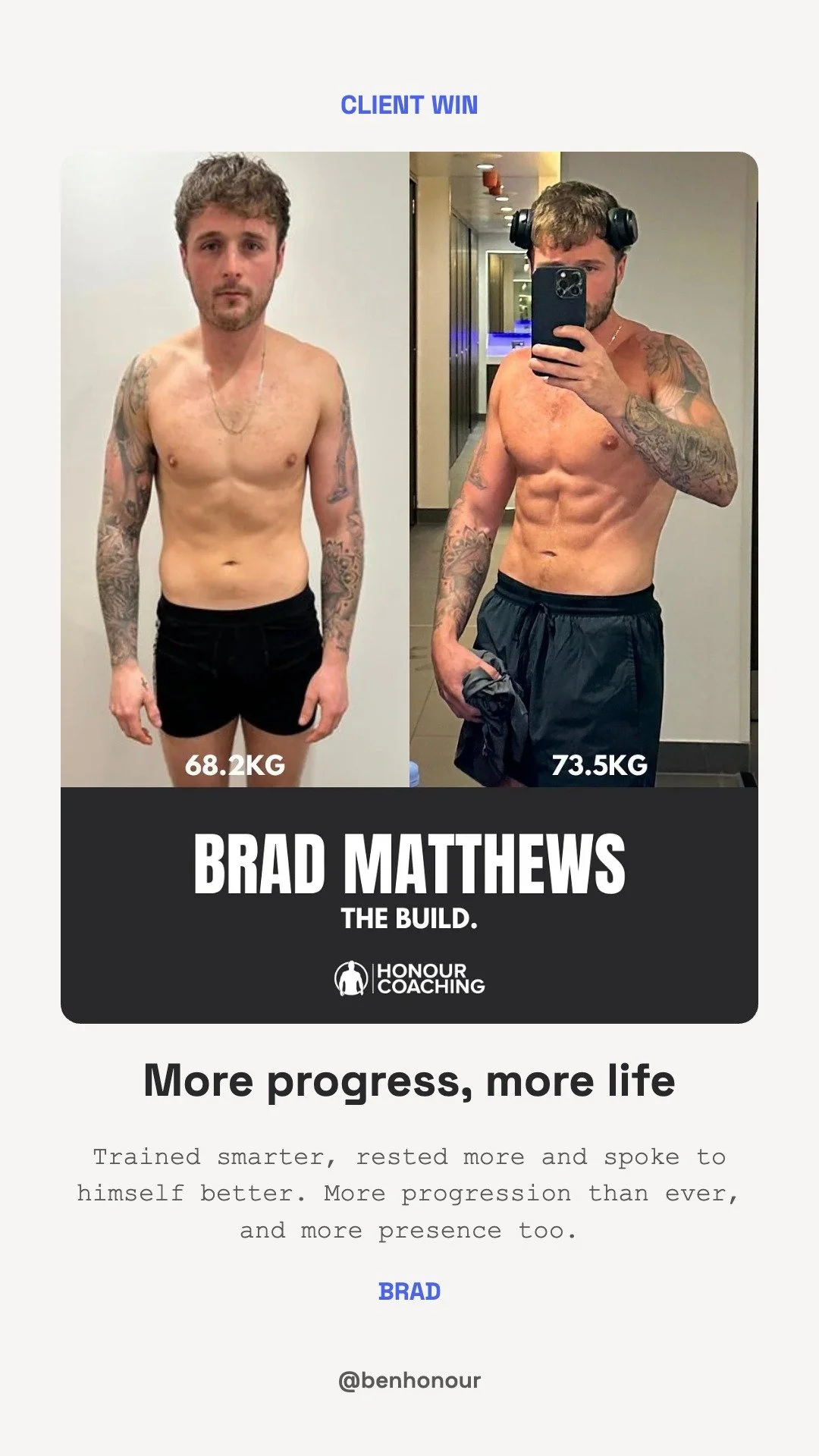
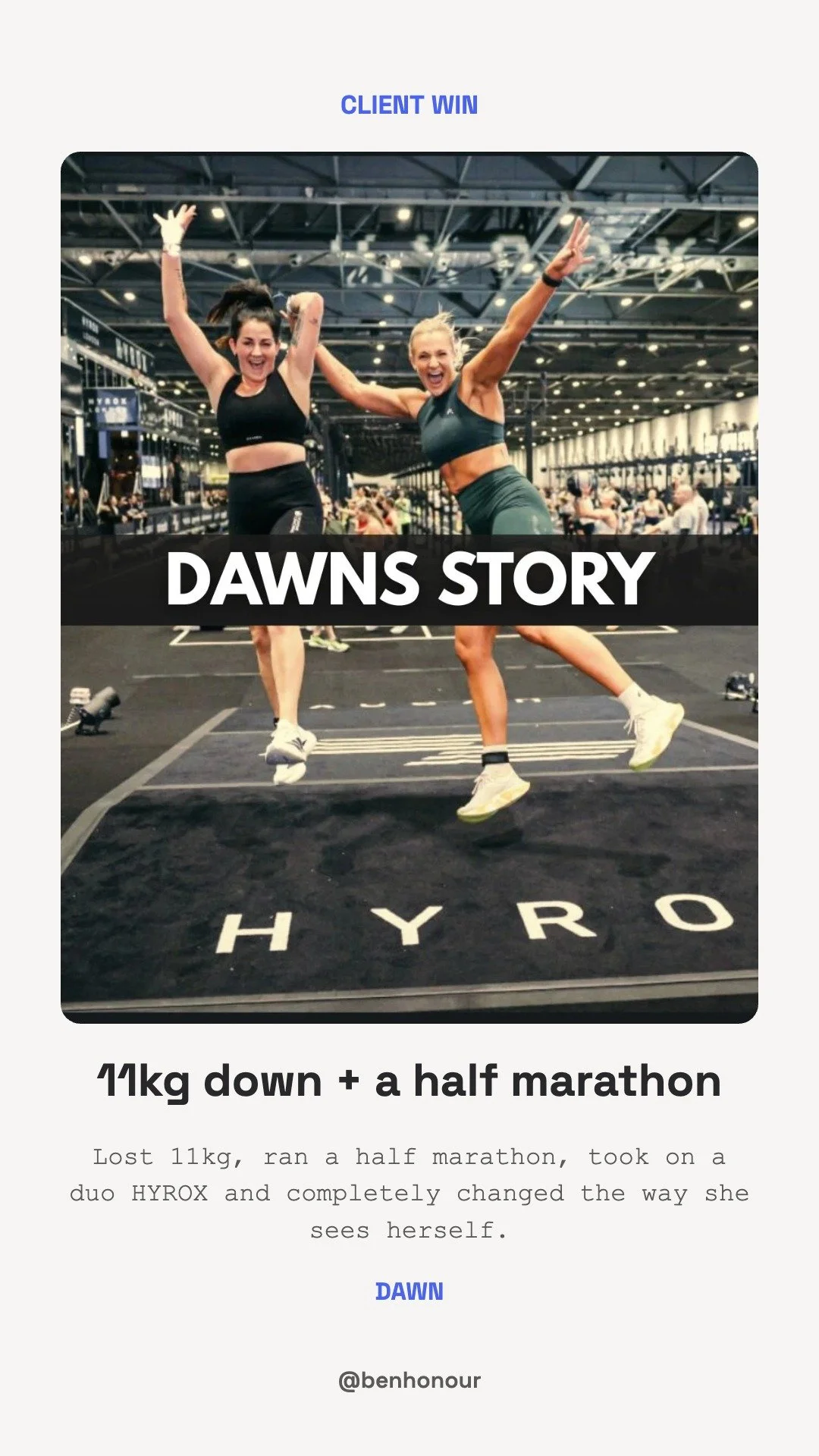
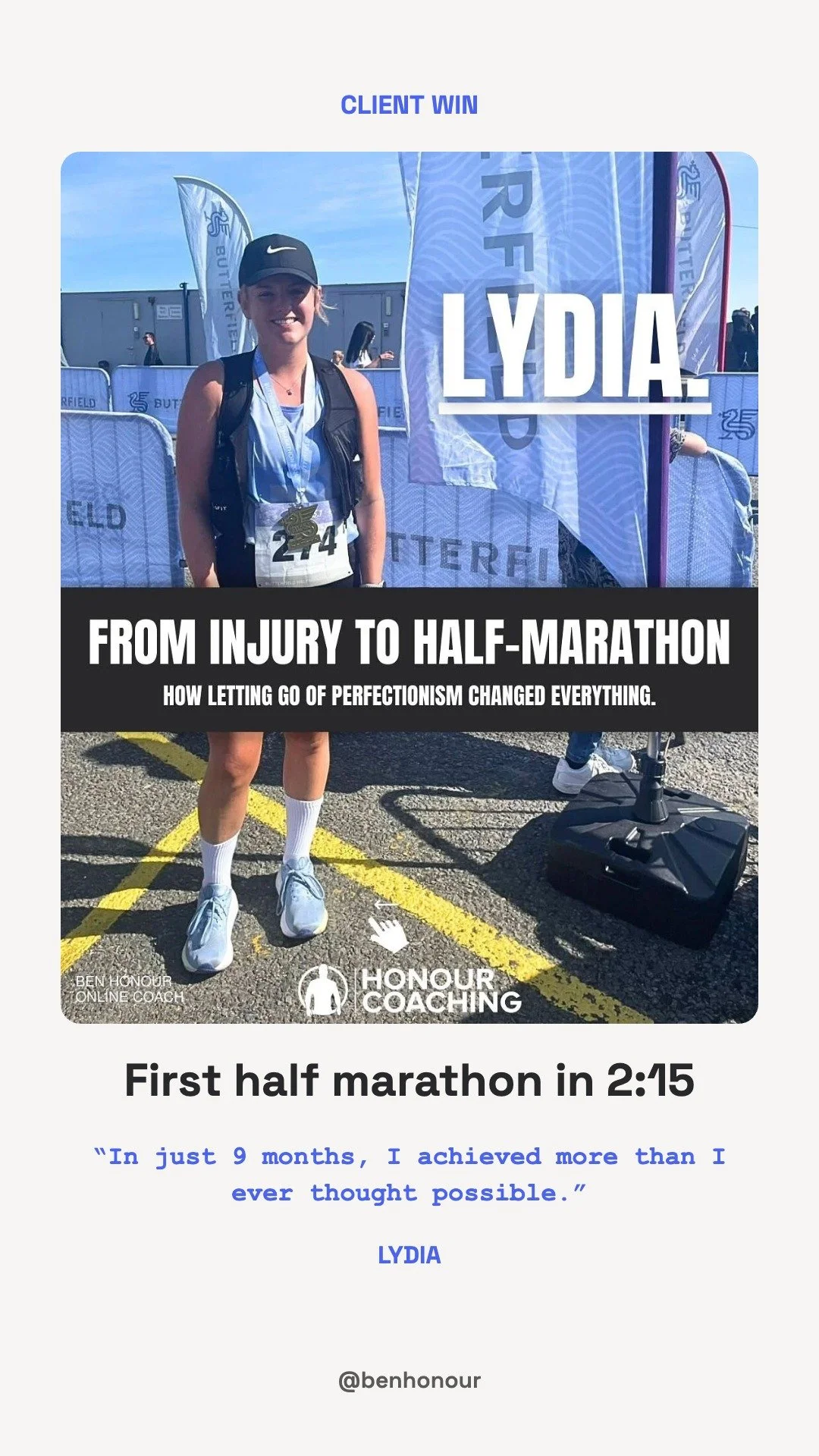
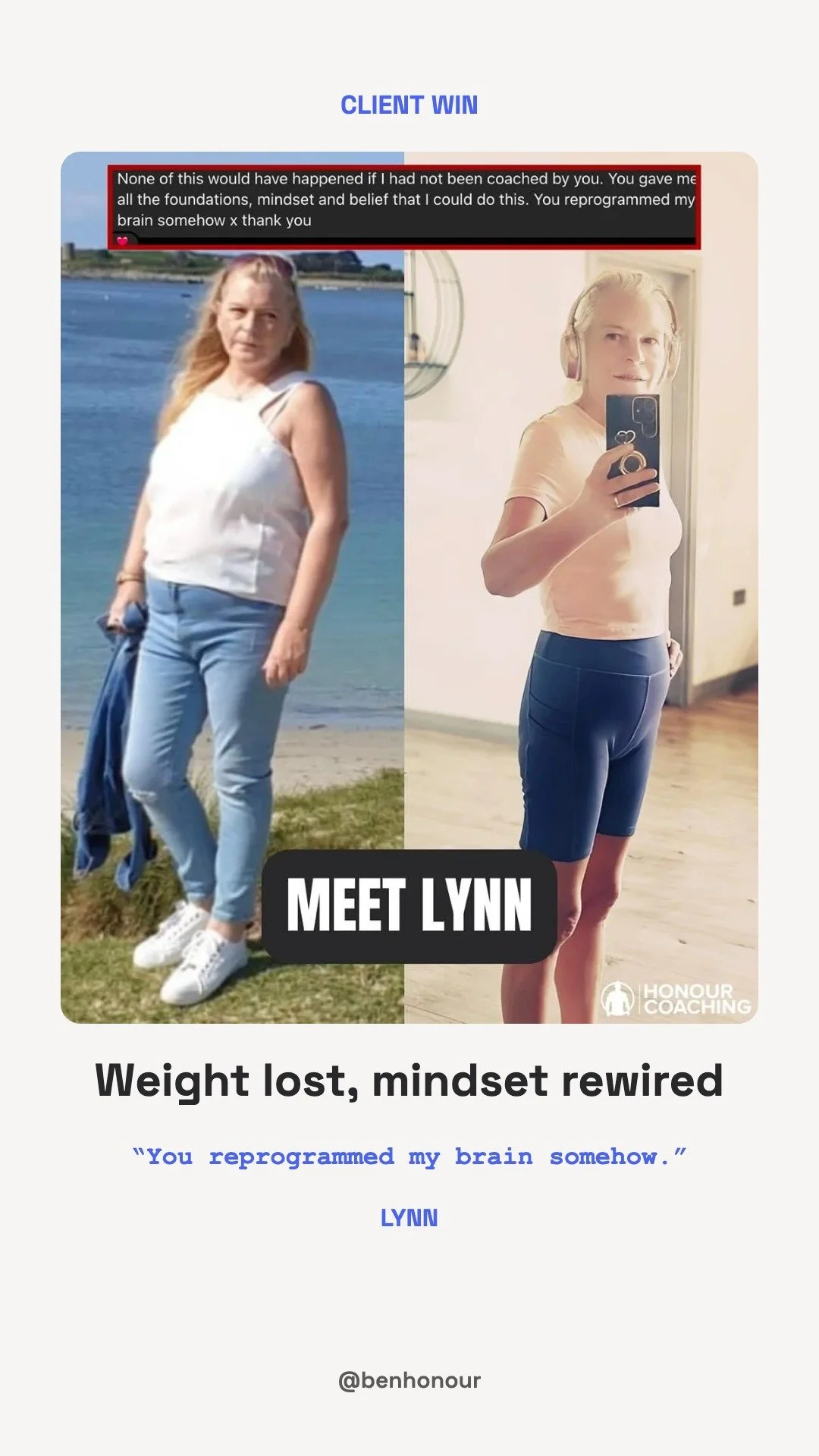
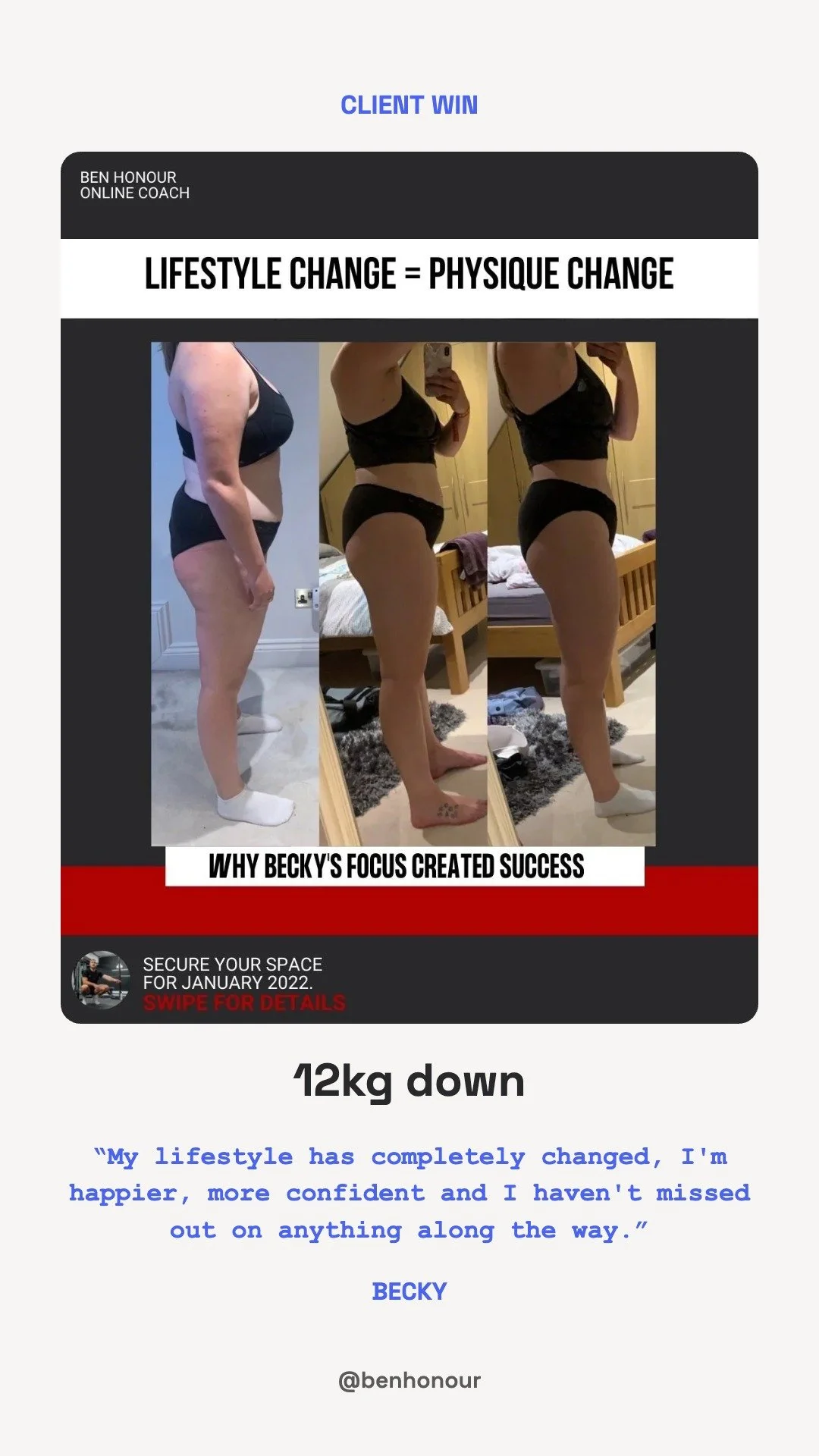
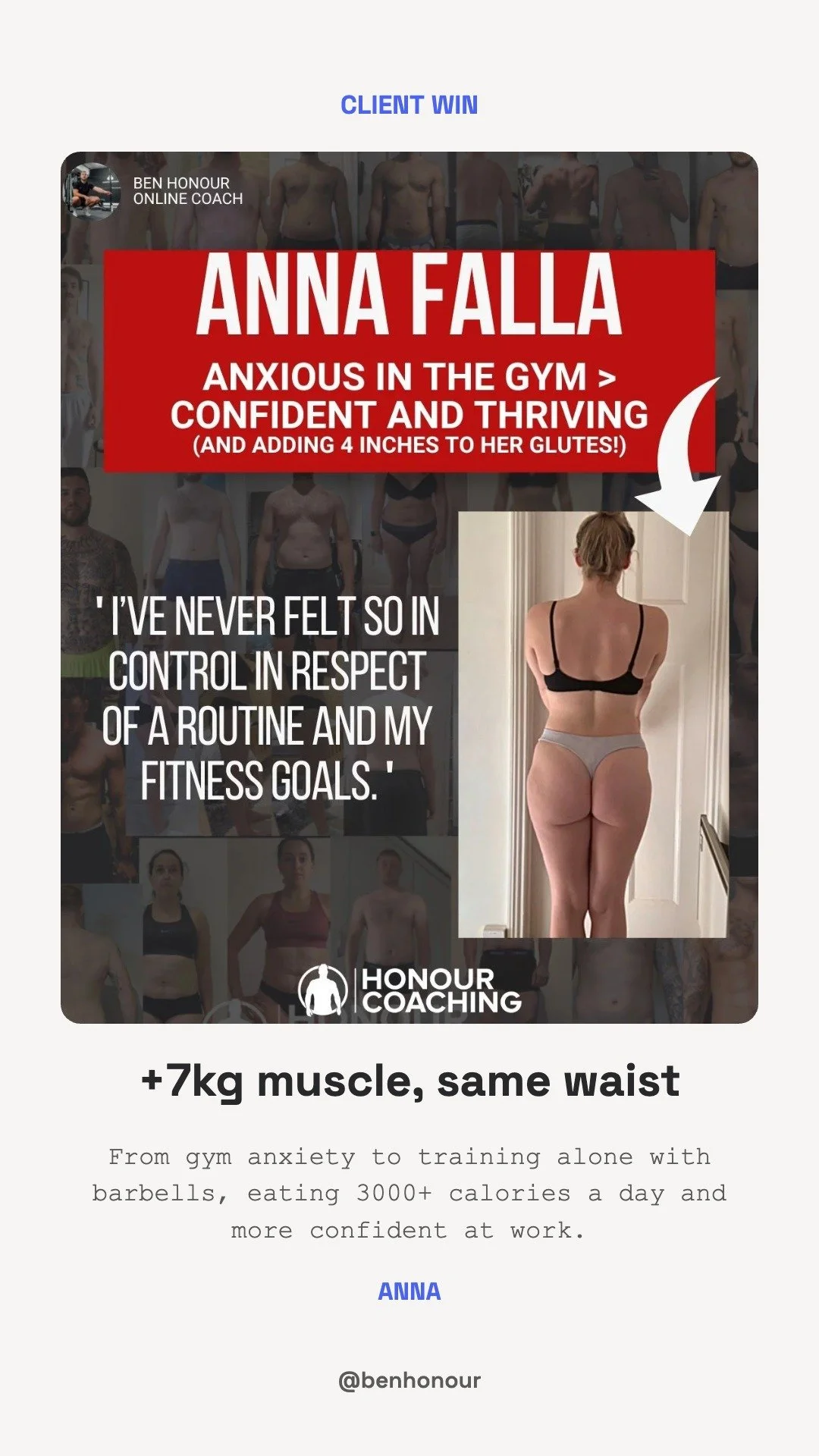
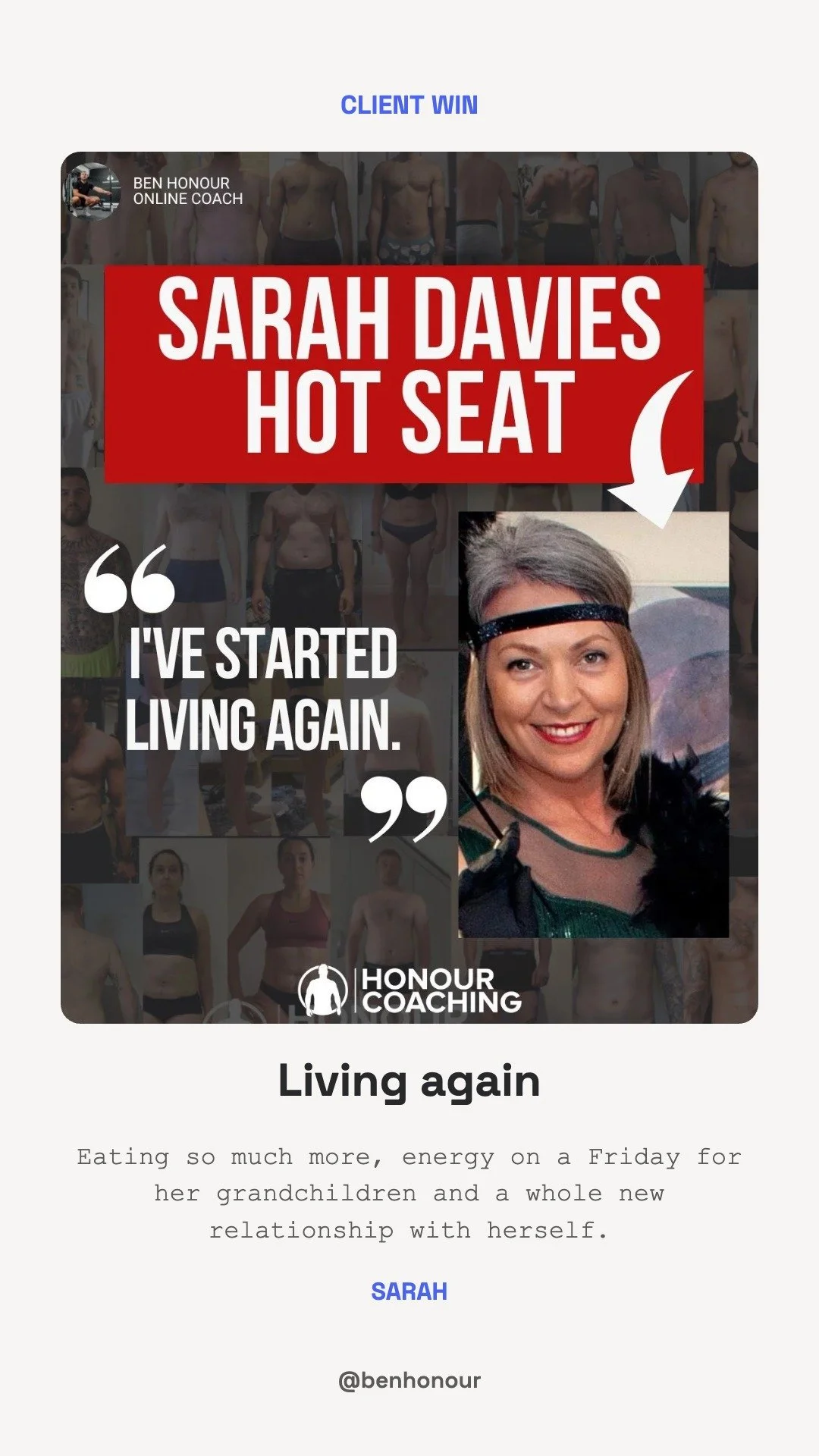
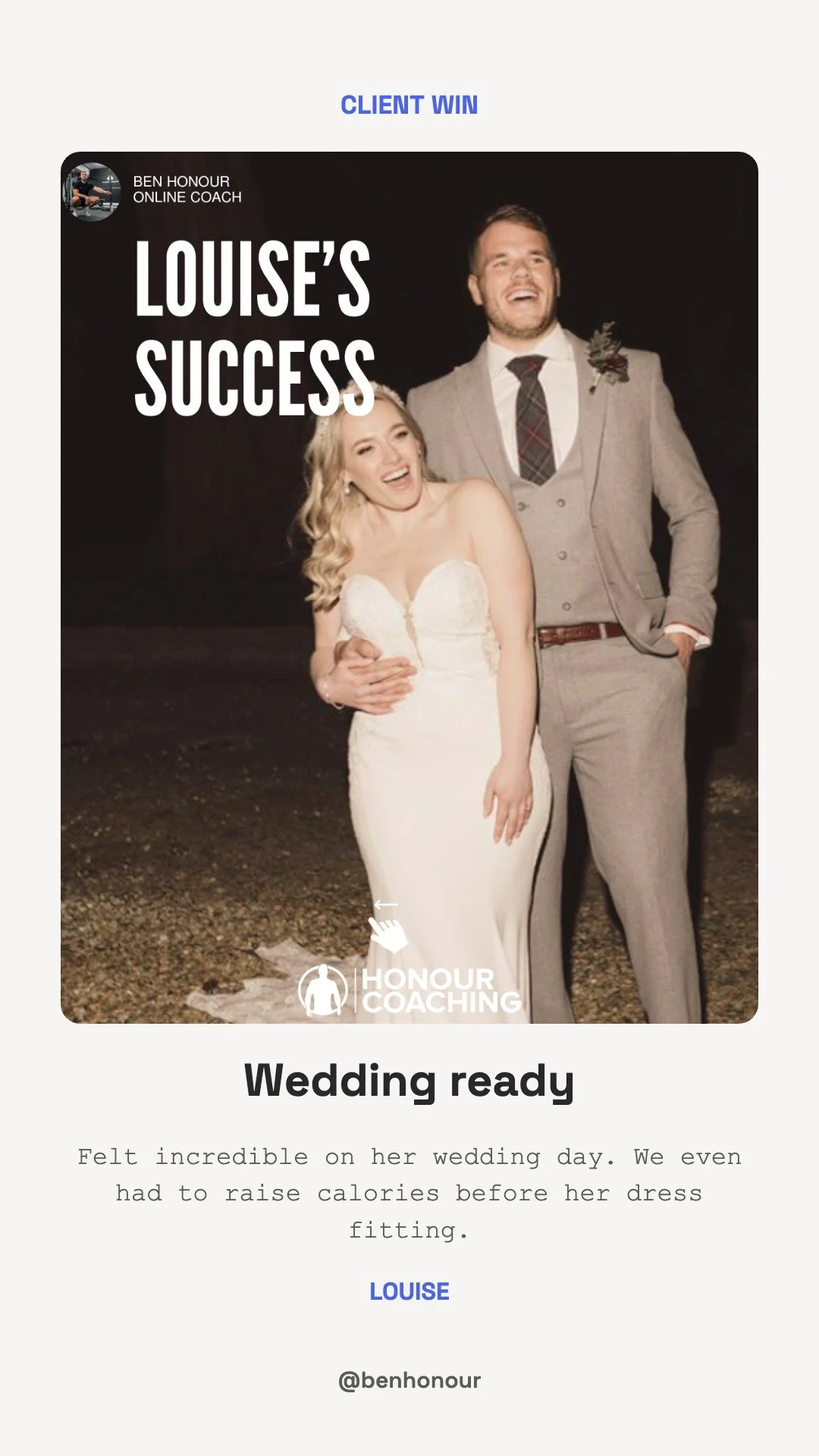
Client Wins
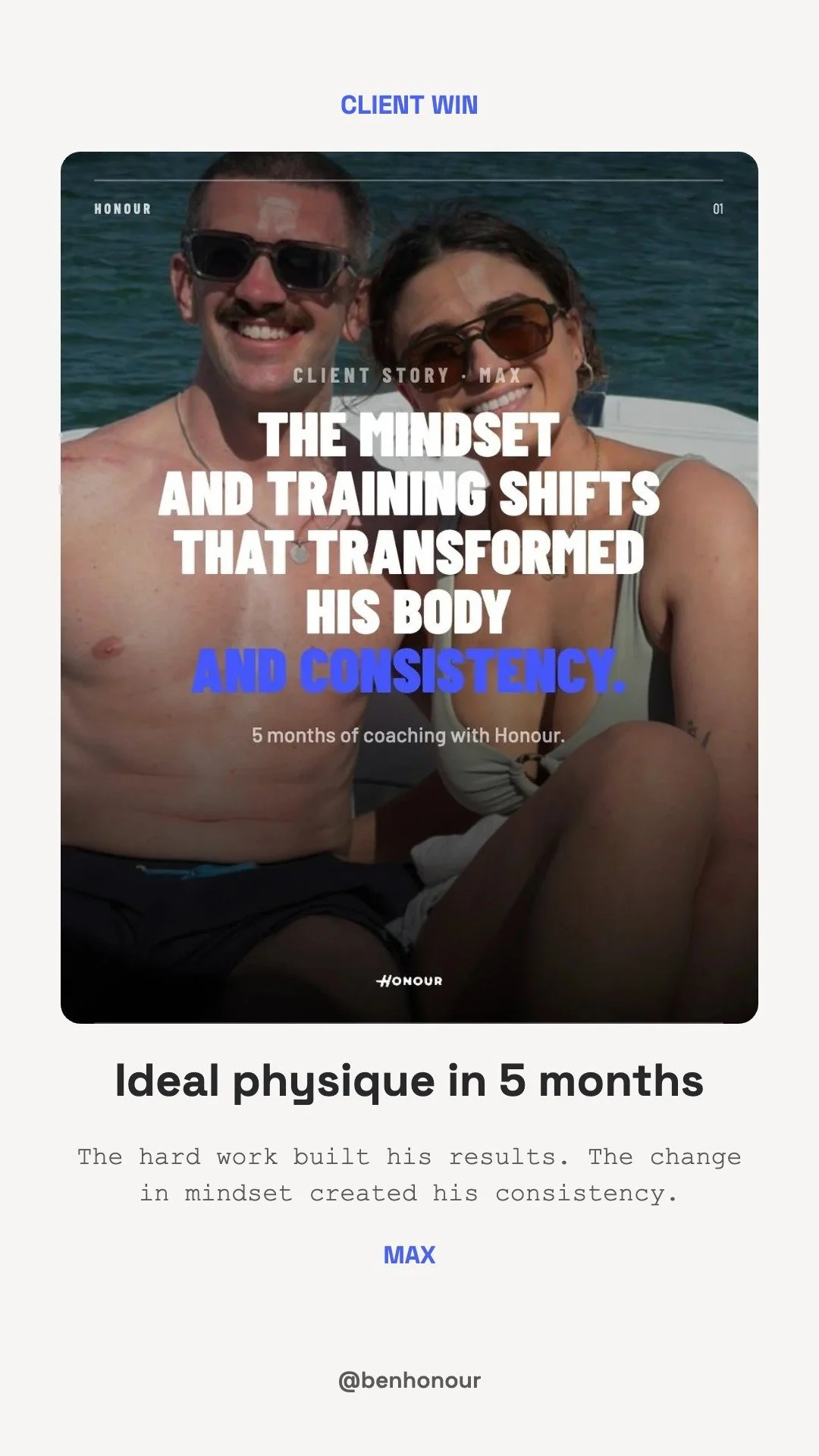
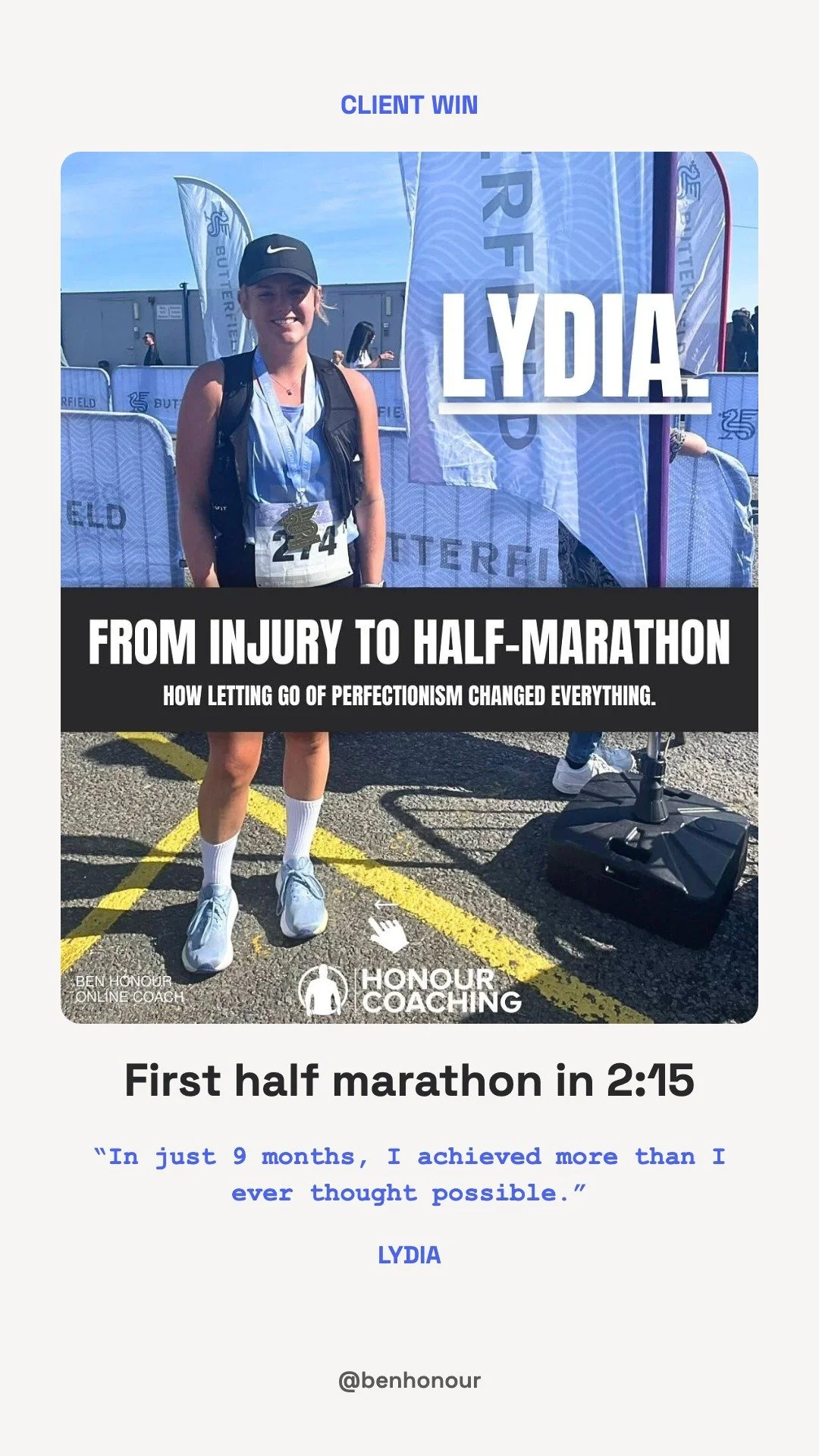
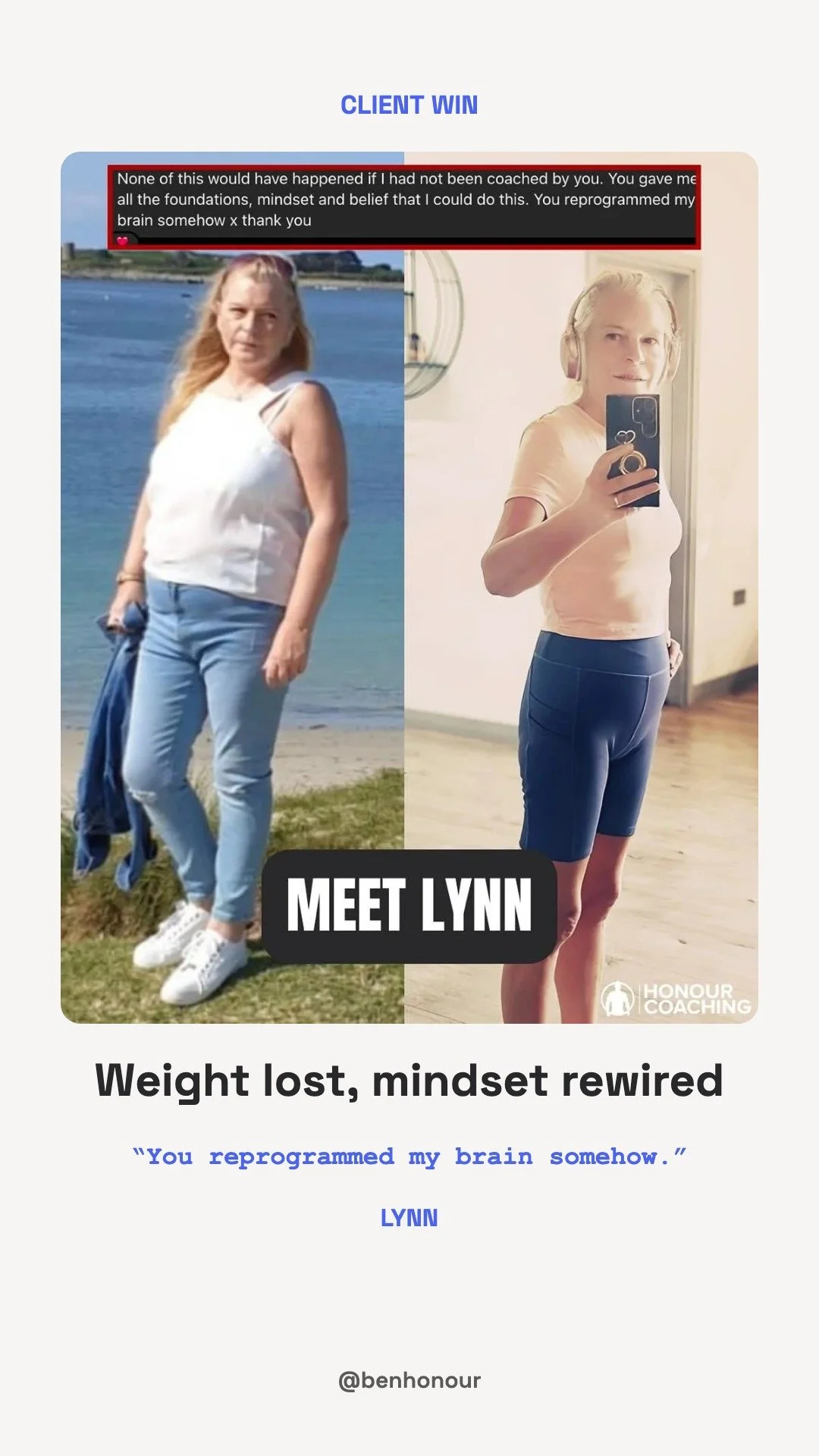
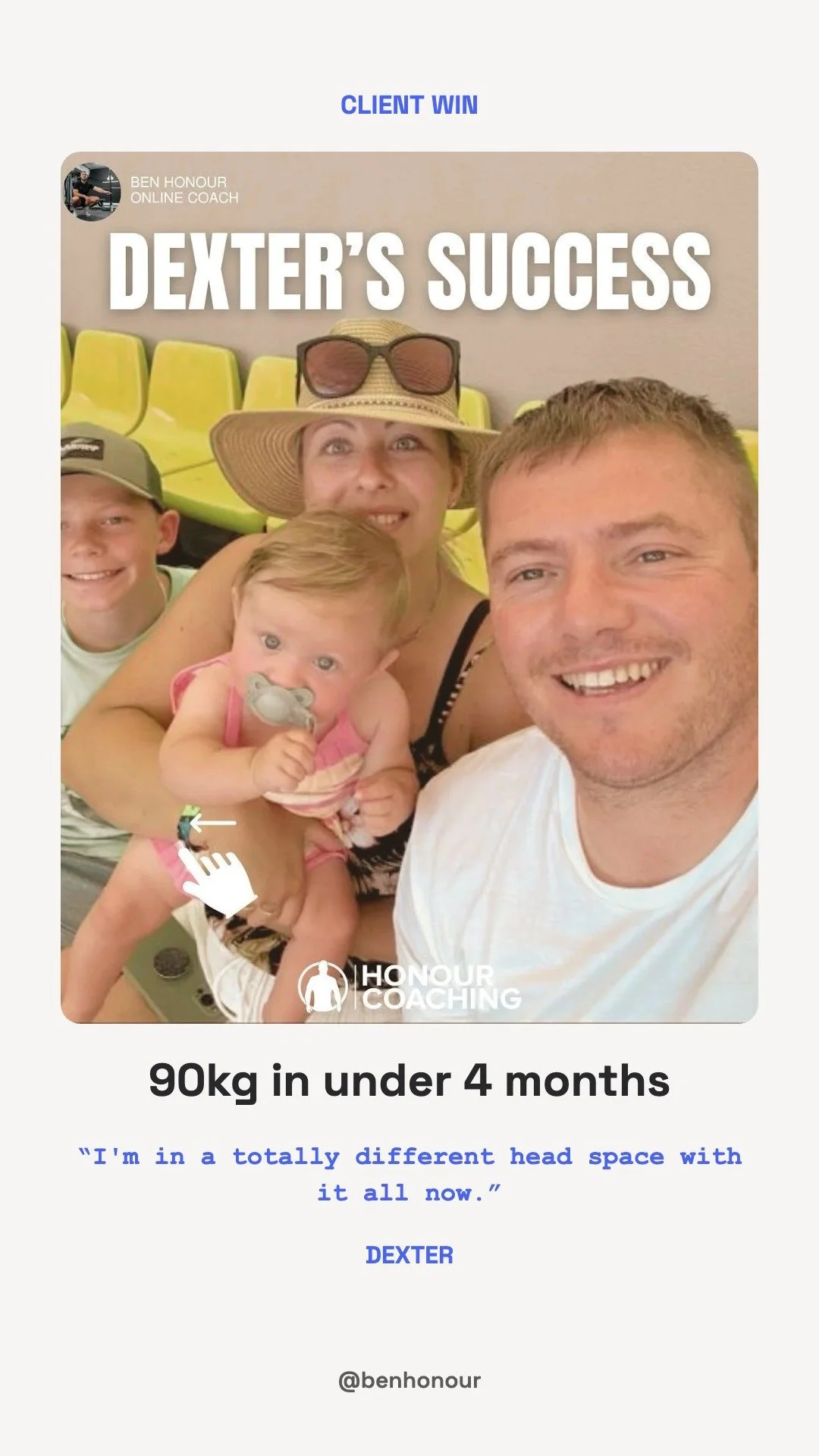
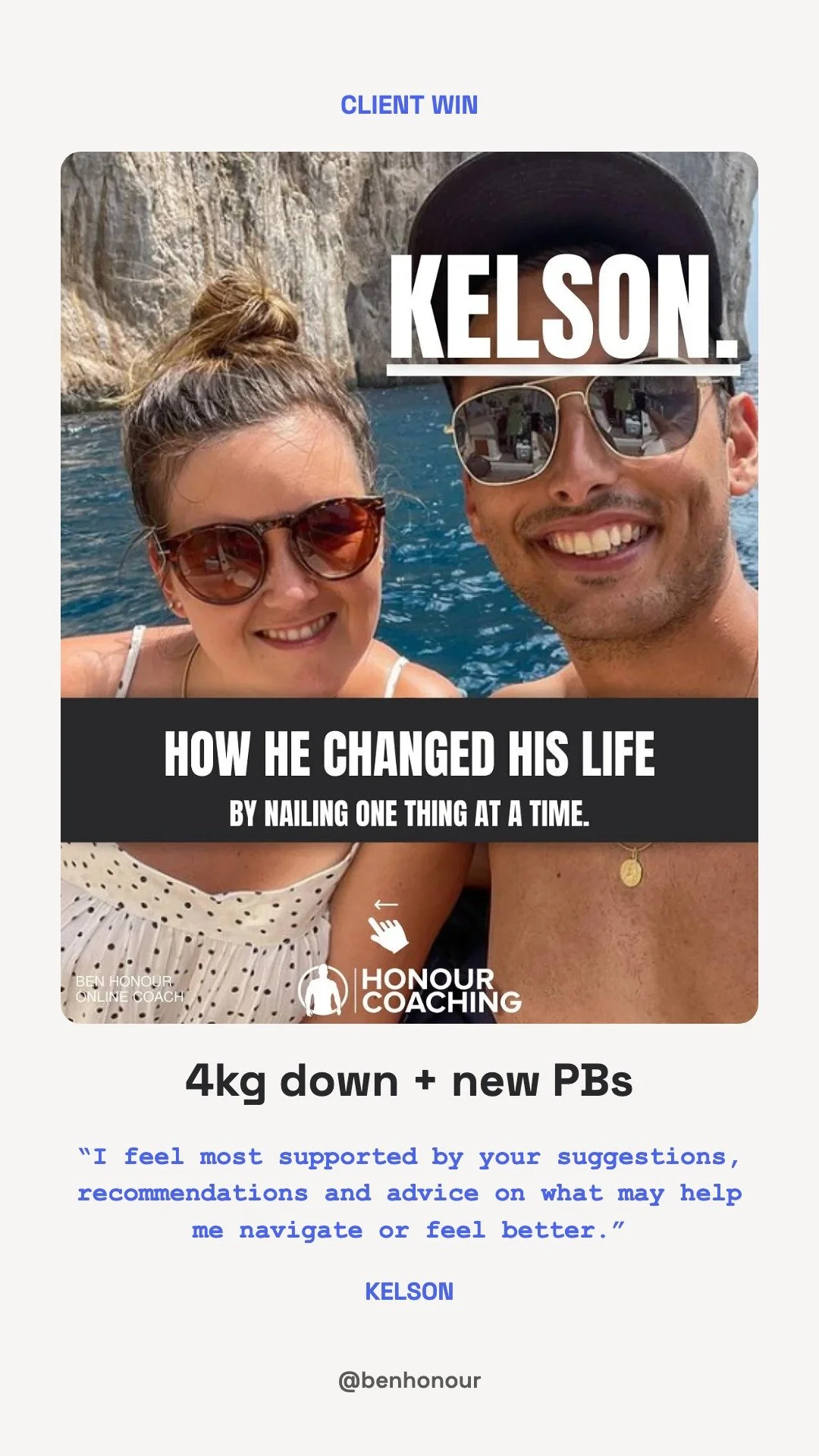
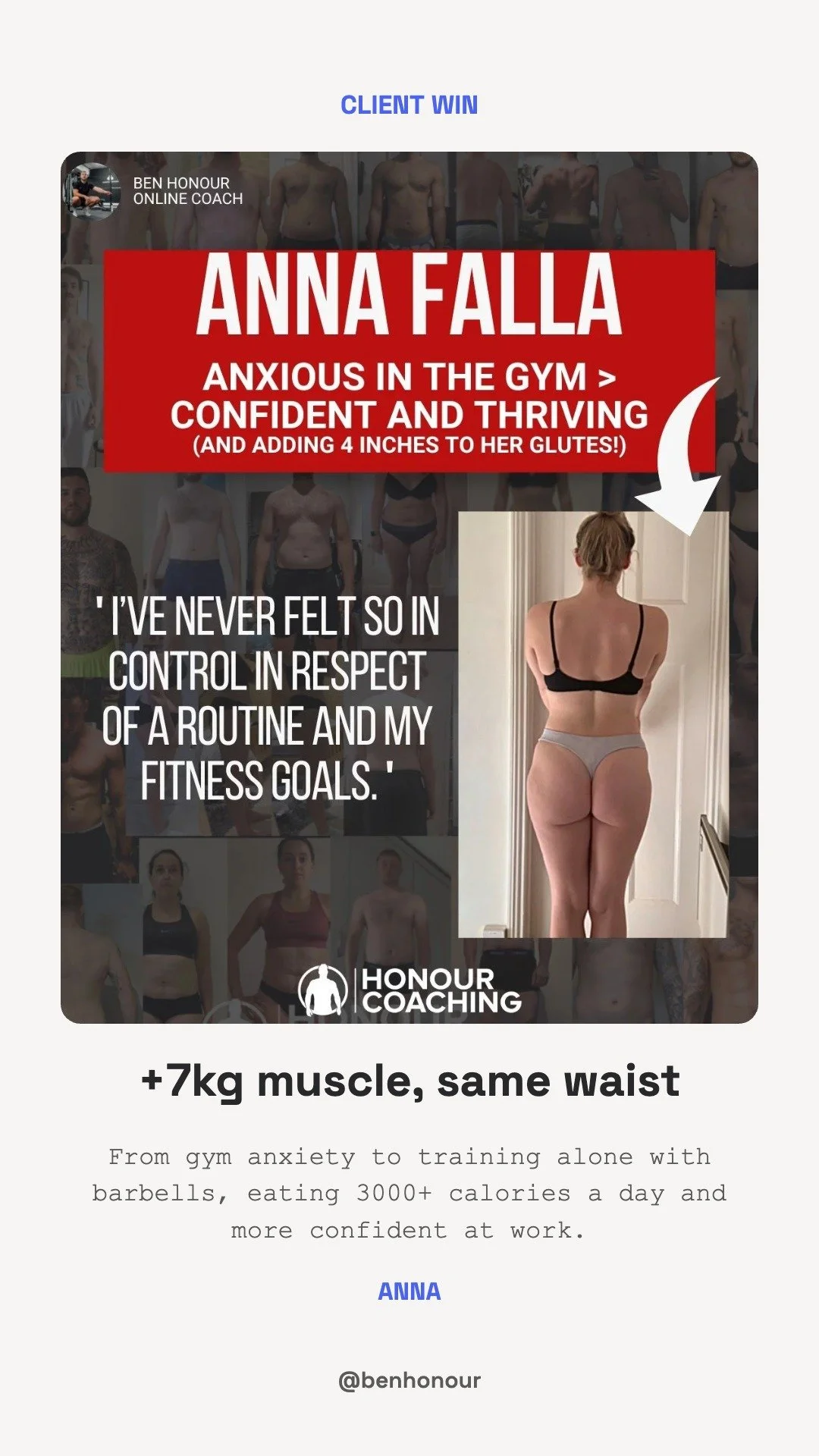
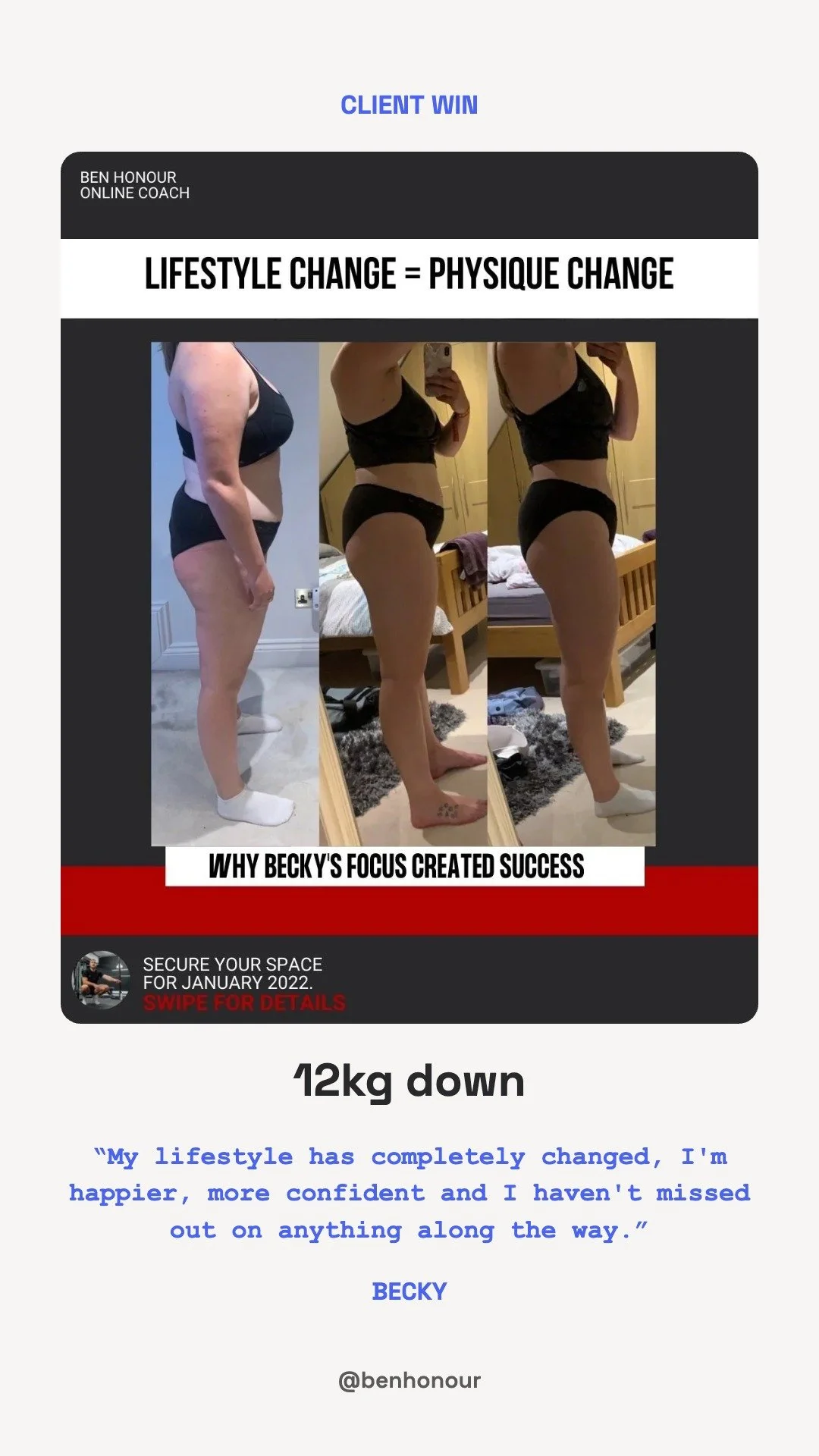
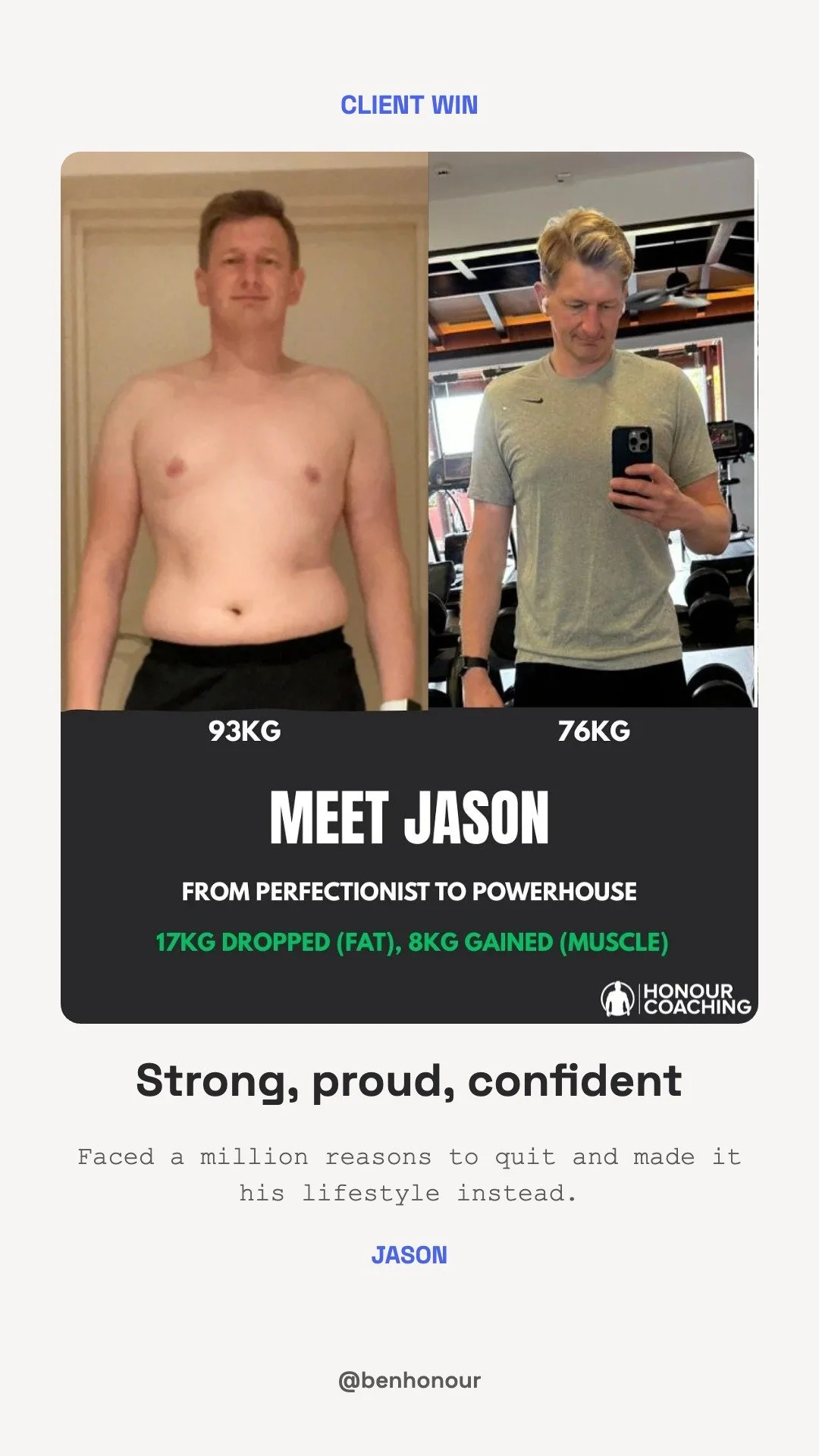
18 slides. Post them as stories in this order, then add them all to the Client Wins highlight.



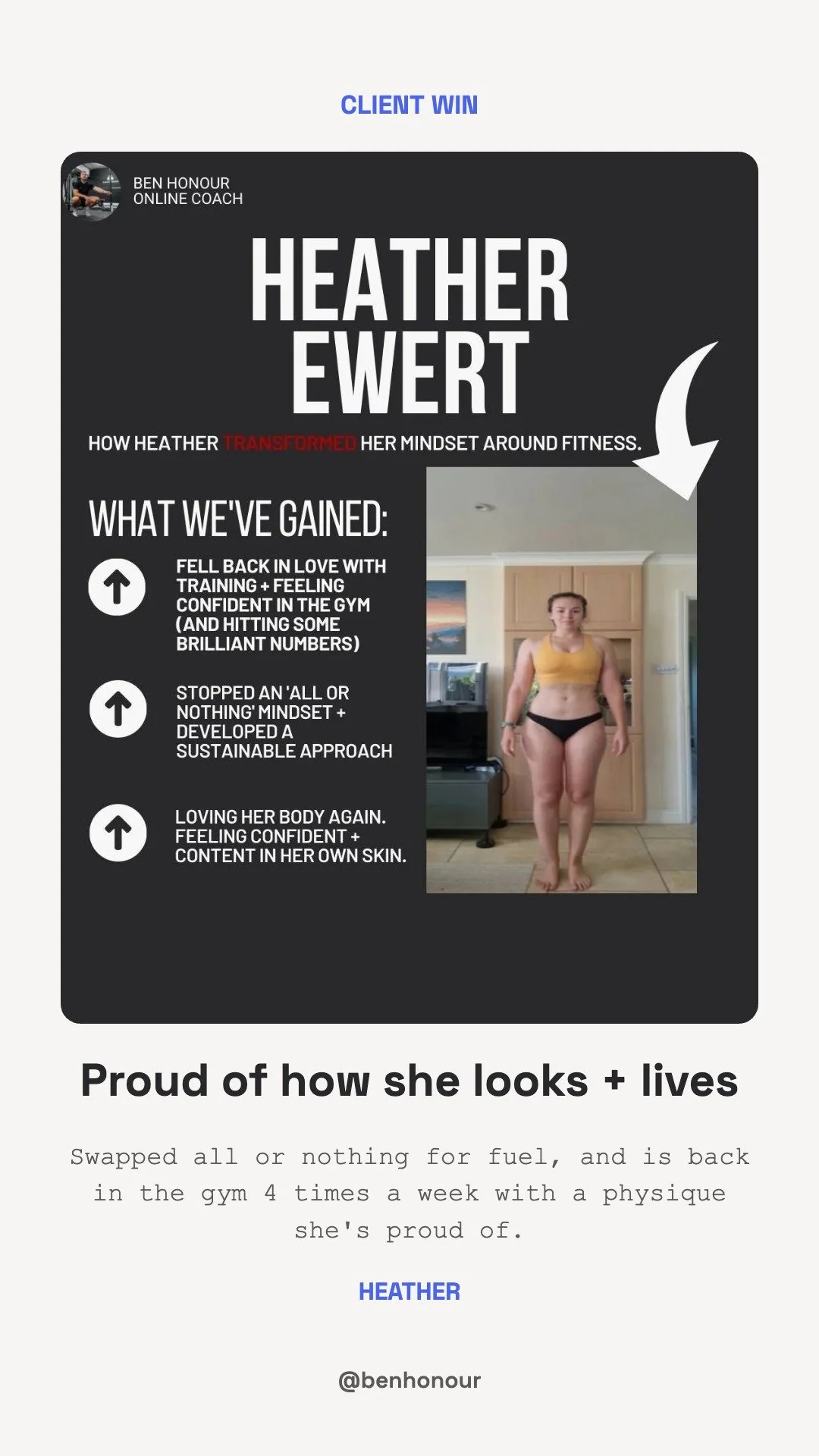
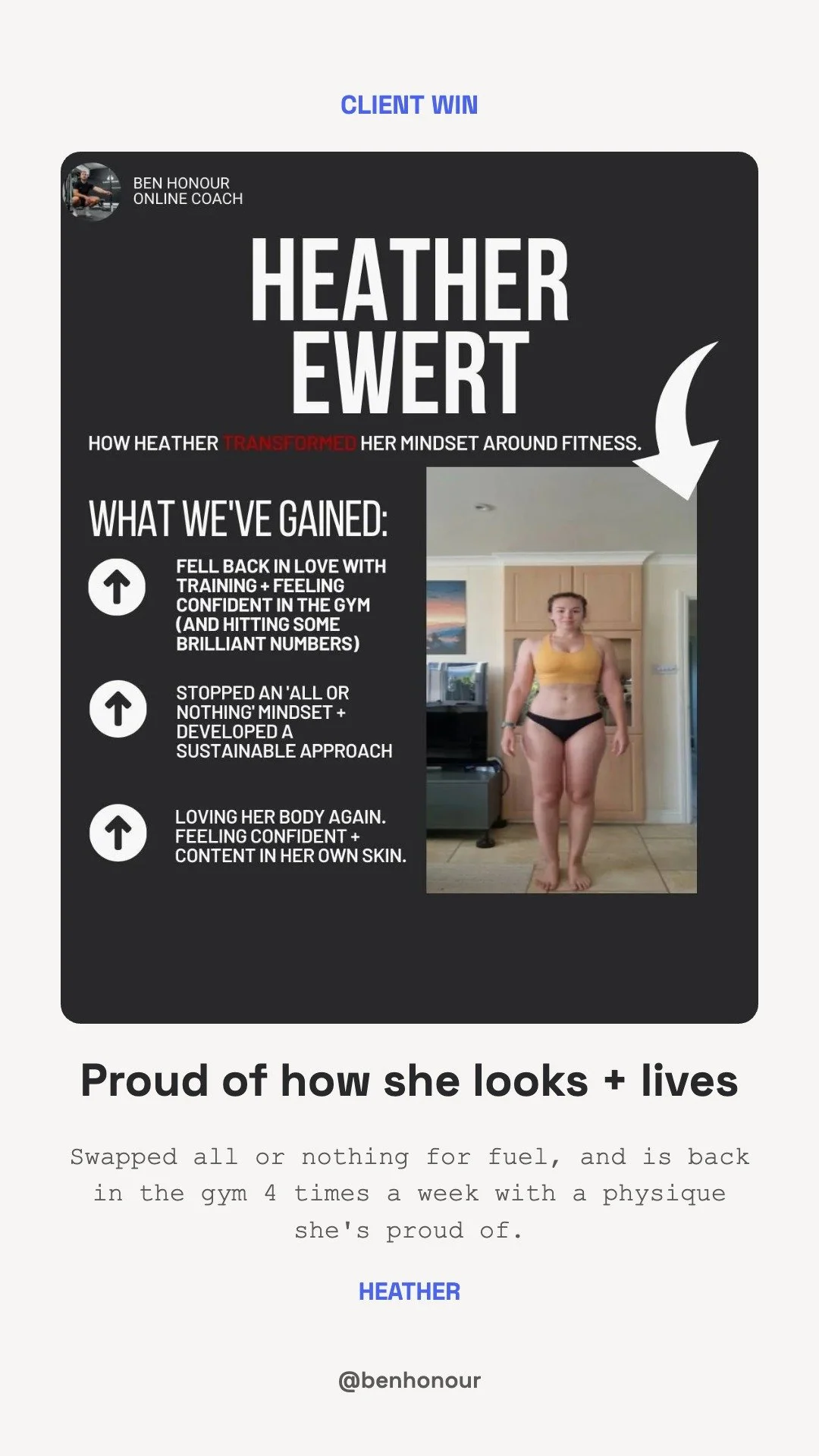
Her Results
12 slides. Post them as stories in this order, then add them all to the Her Results highlight.

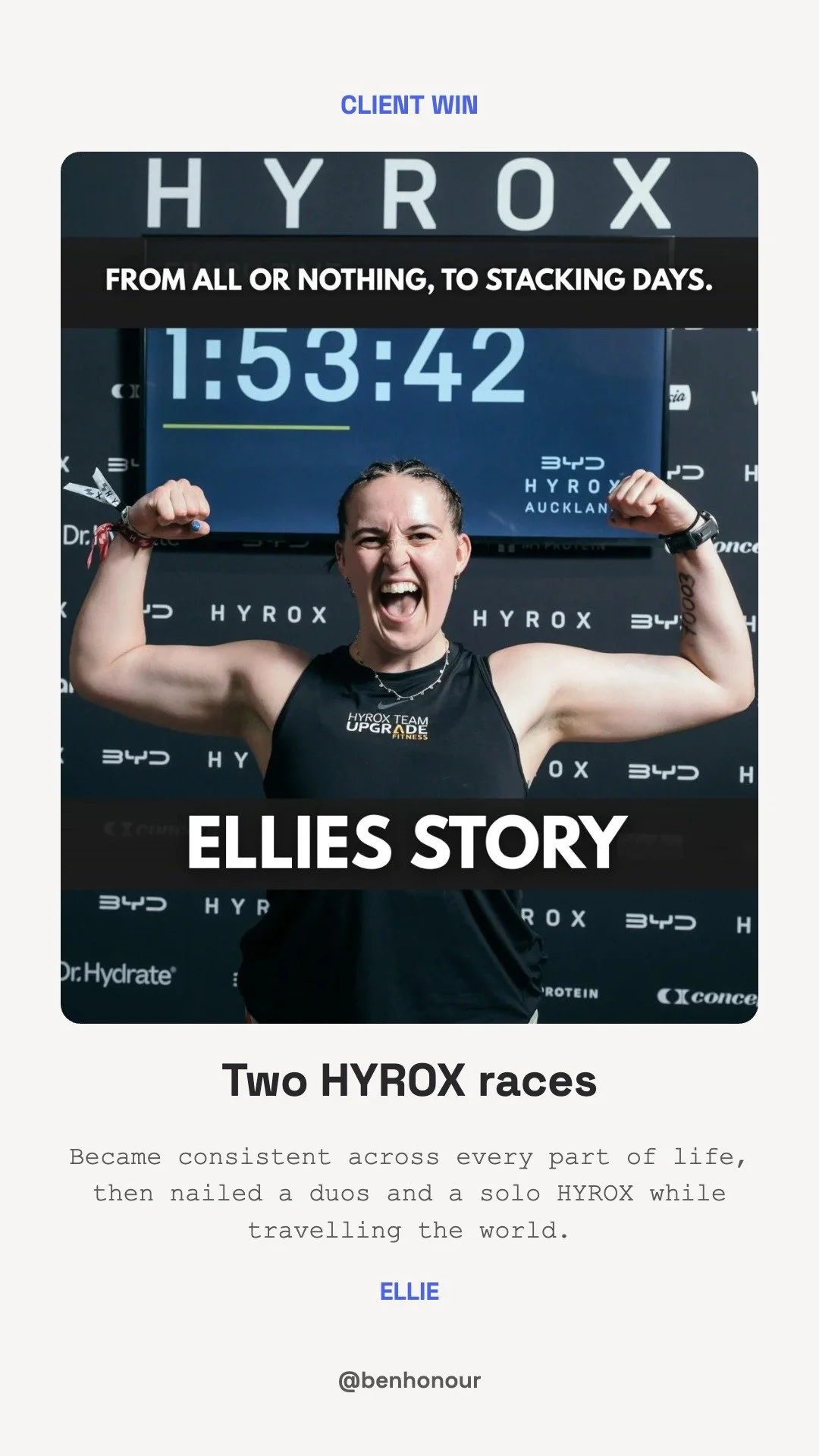
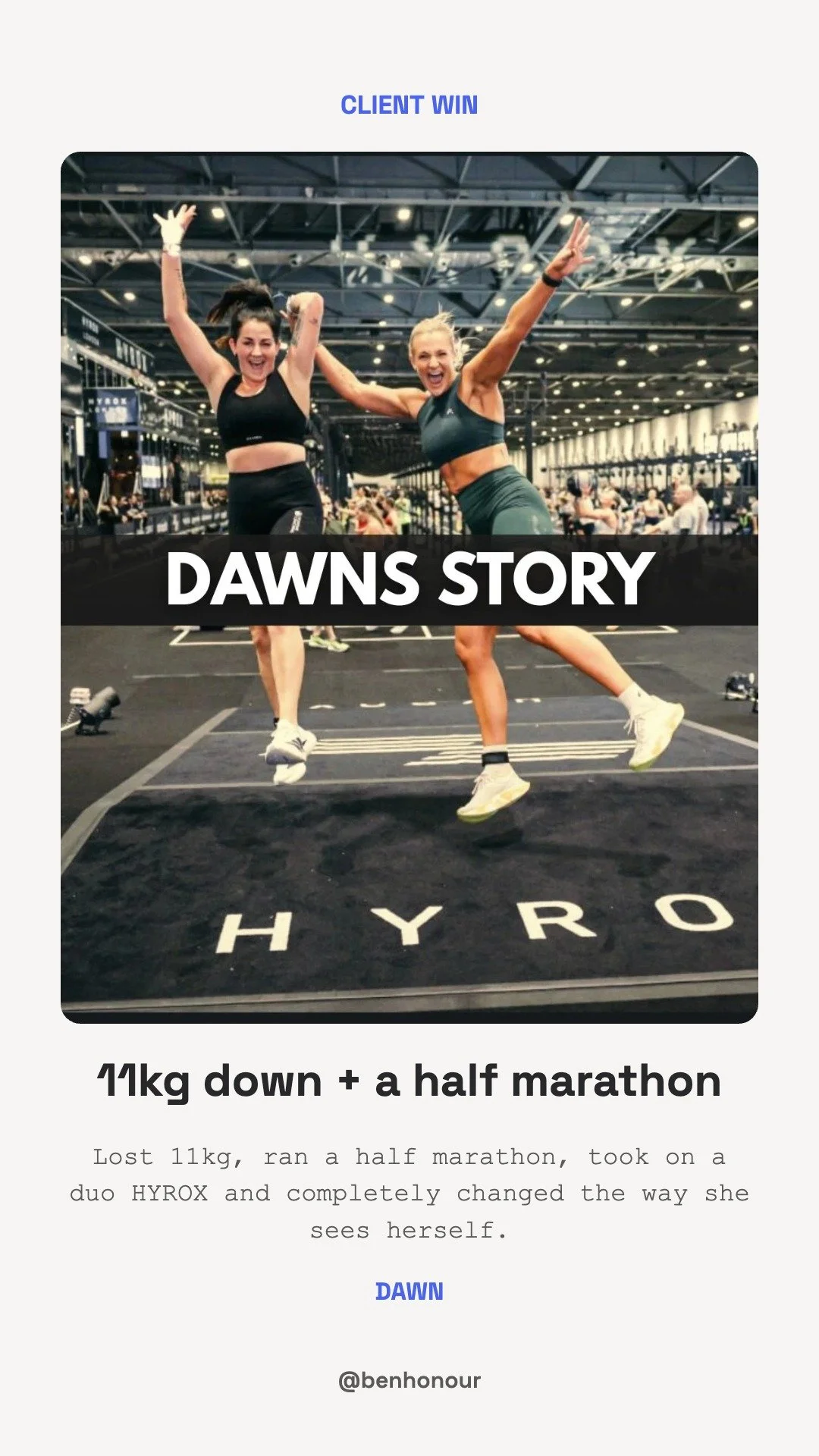


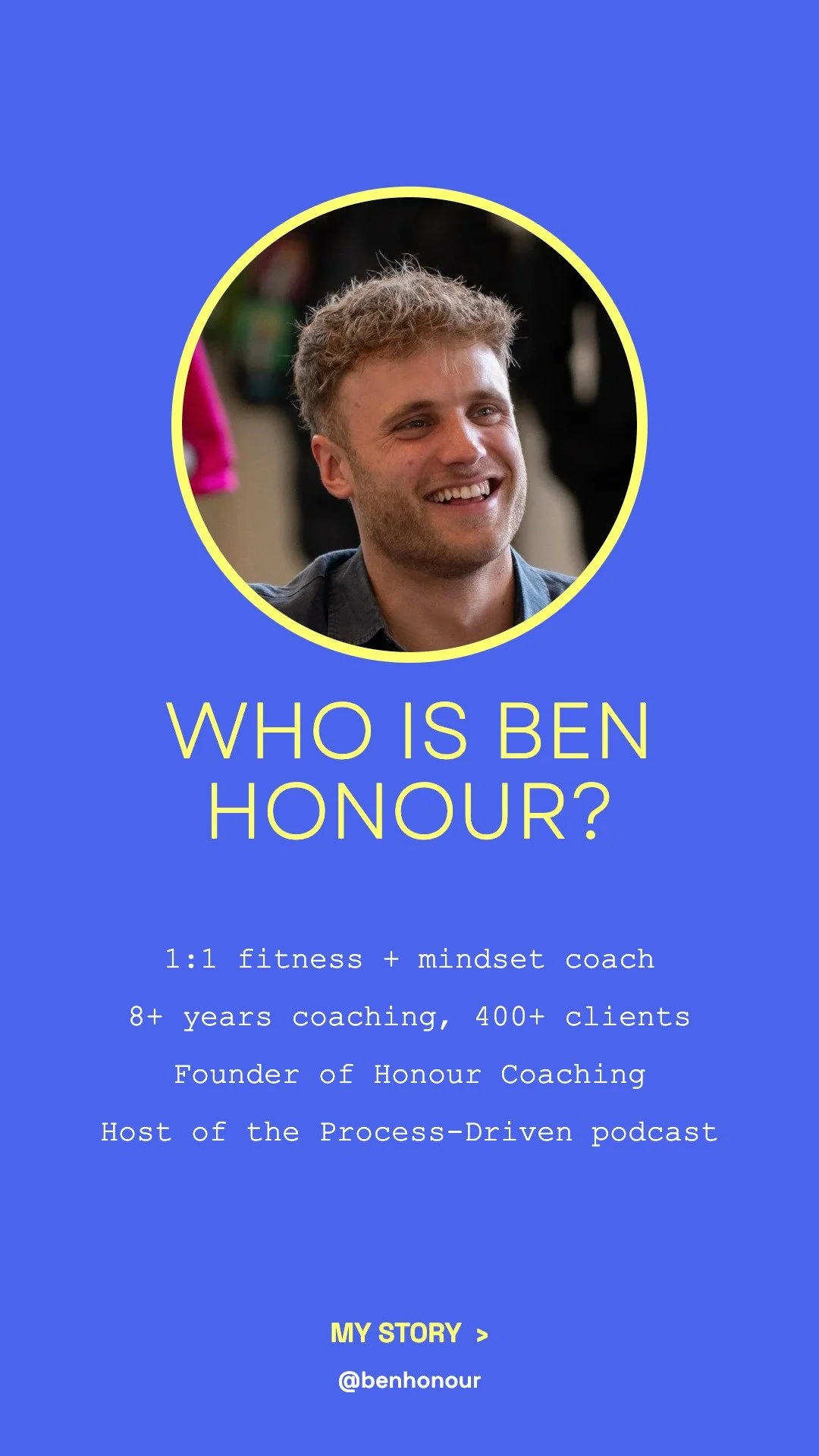
Who Is Ben
1 slide. Post it first, then follow it with a few of your own stories about your journey, and add them all to the Who Is Ben highlight.
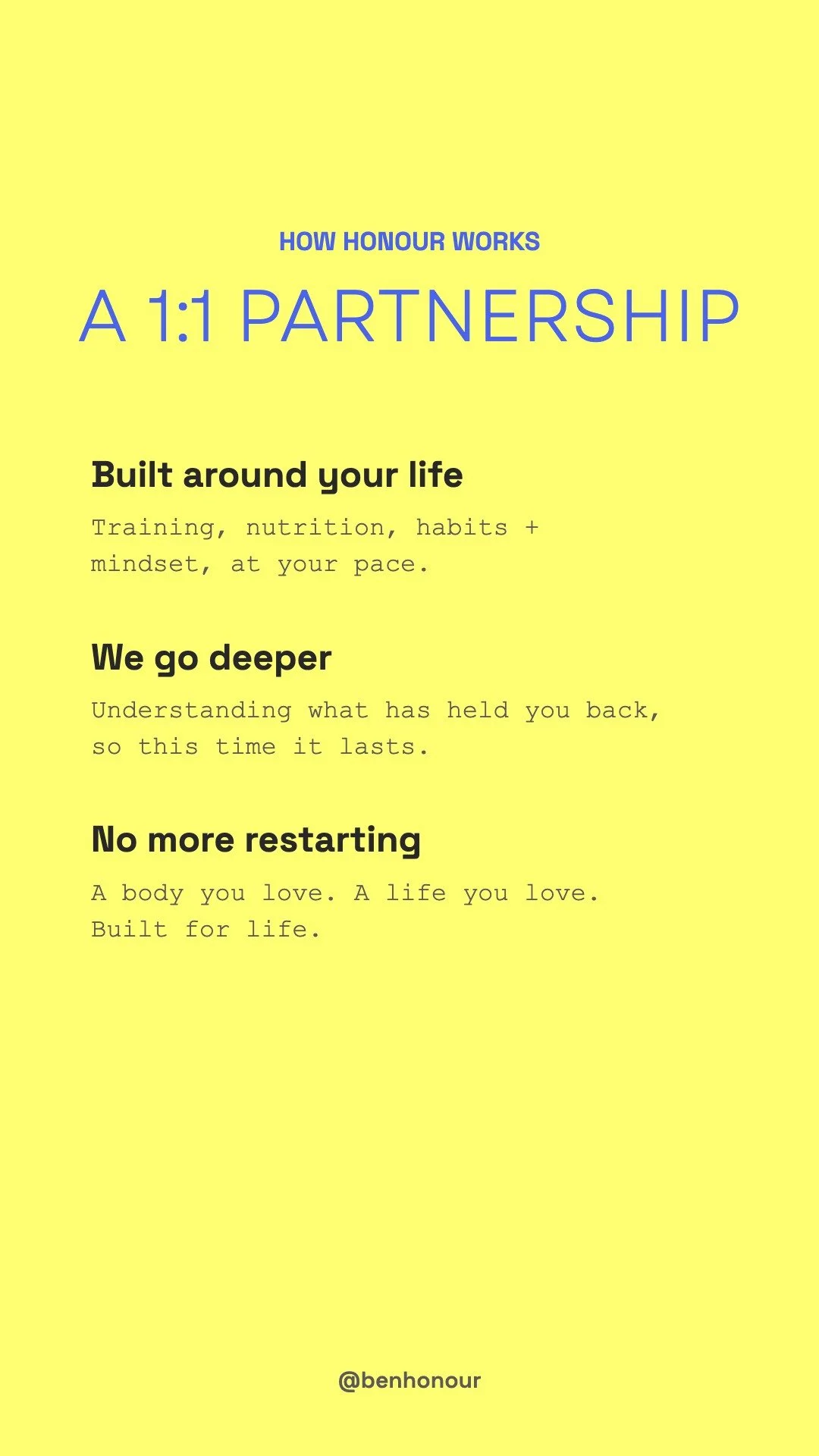
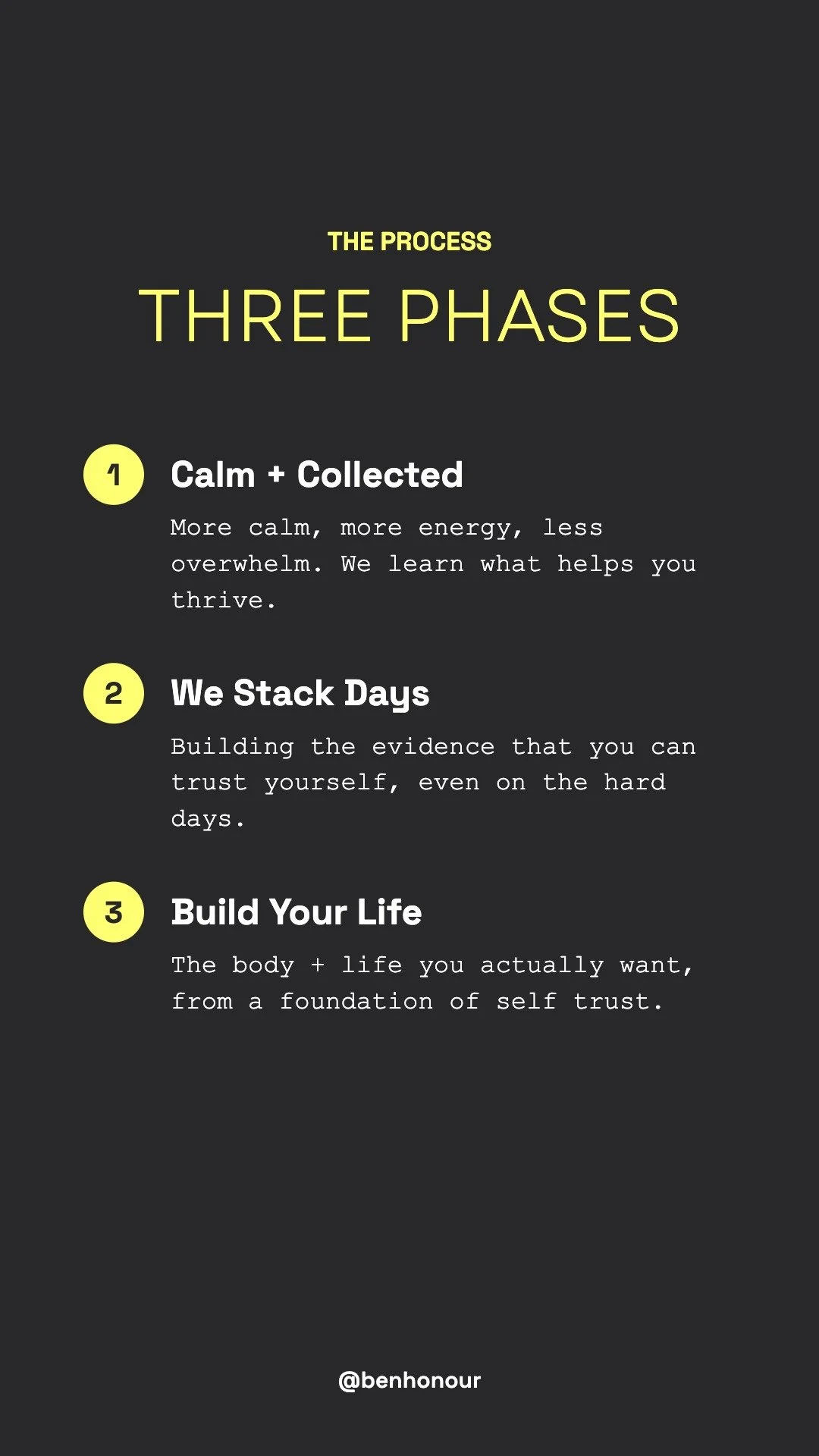
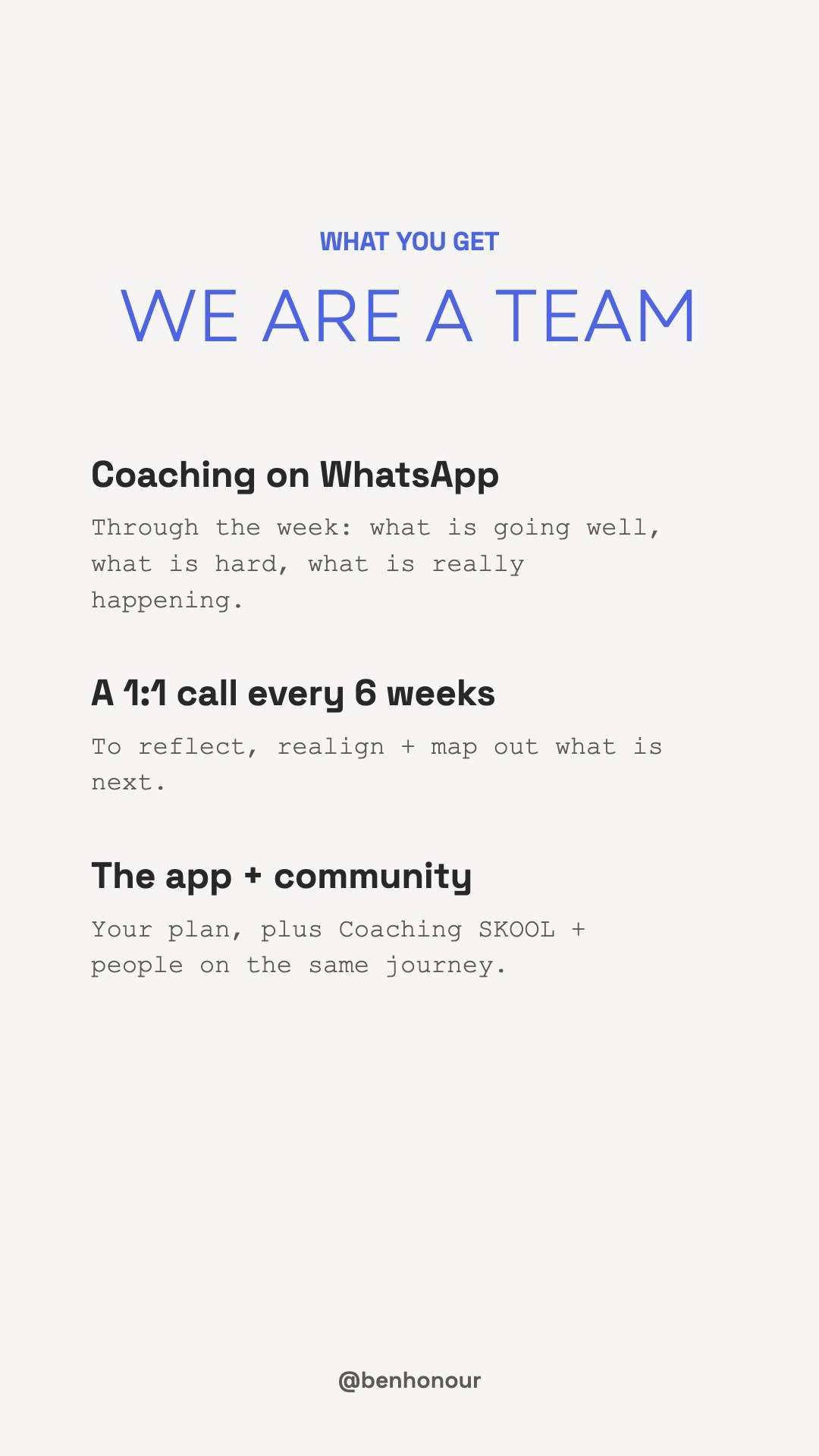
How It Works
4 slides. Post them as stories in this order, then add them all to the How It Works highlight.

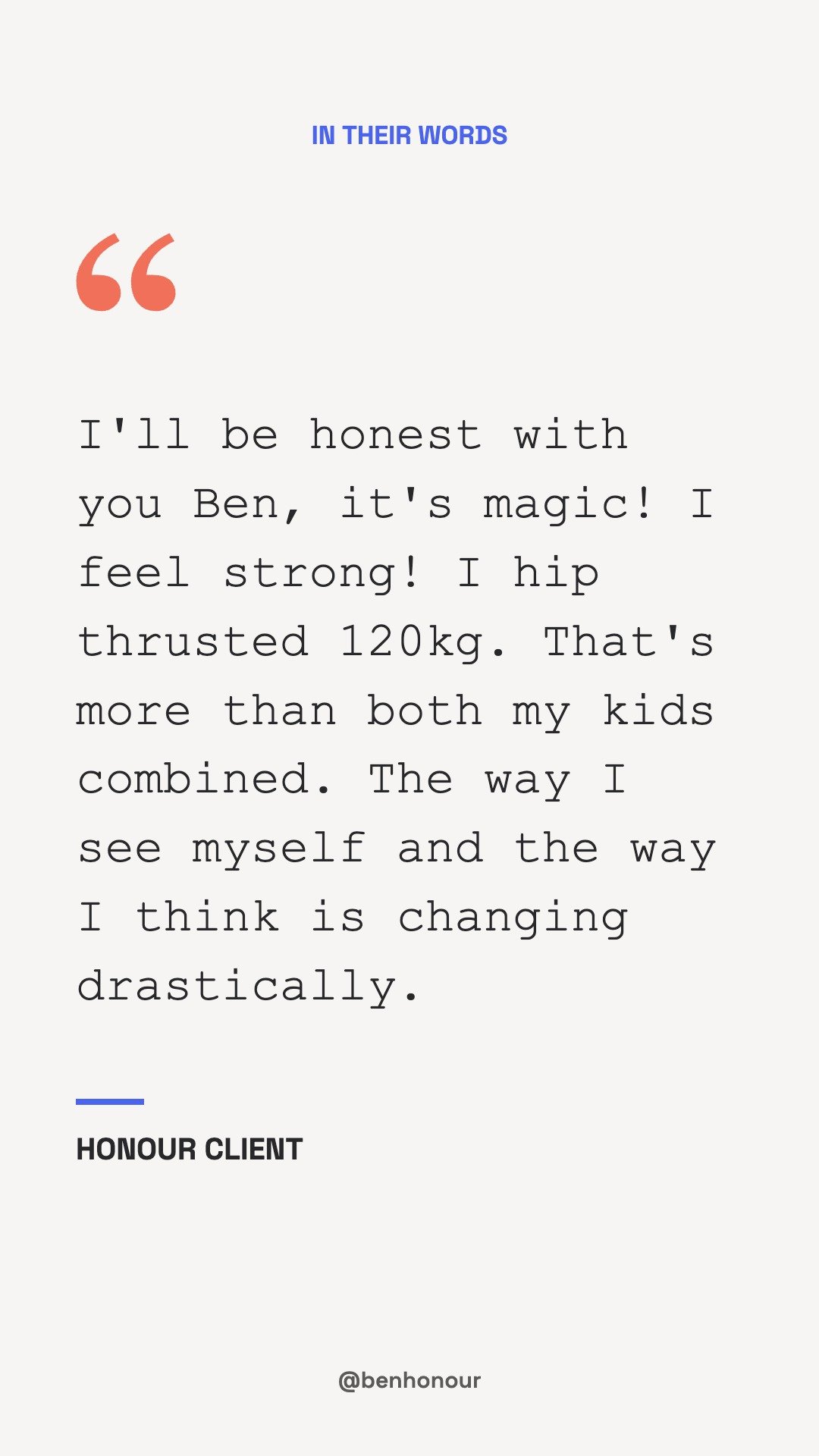
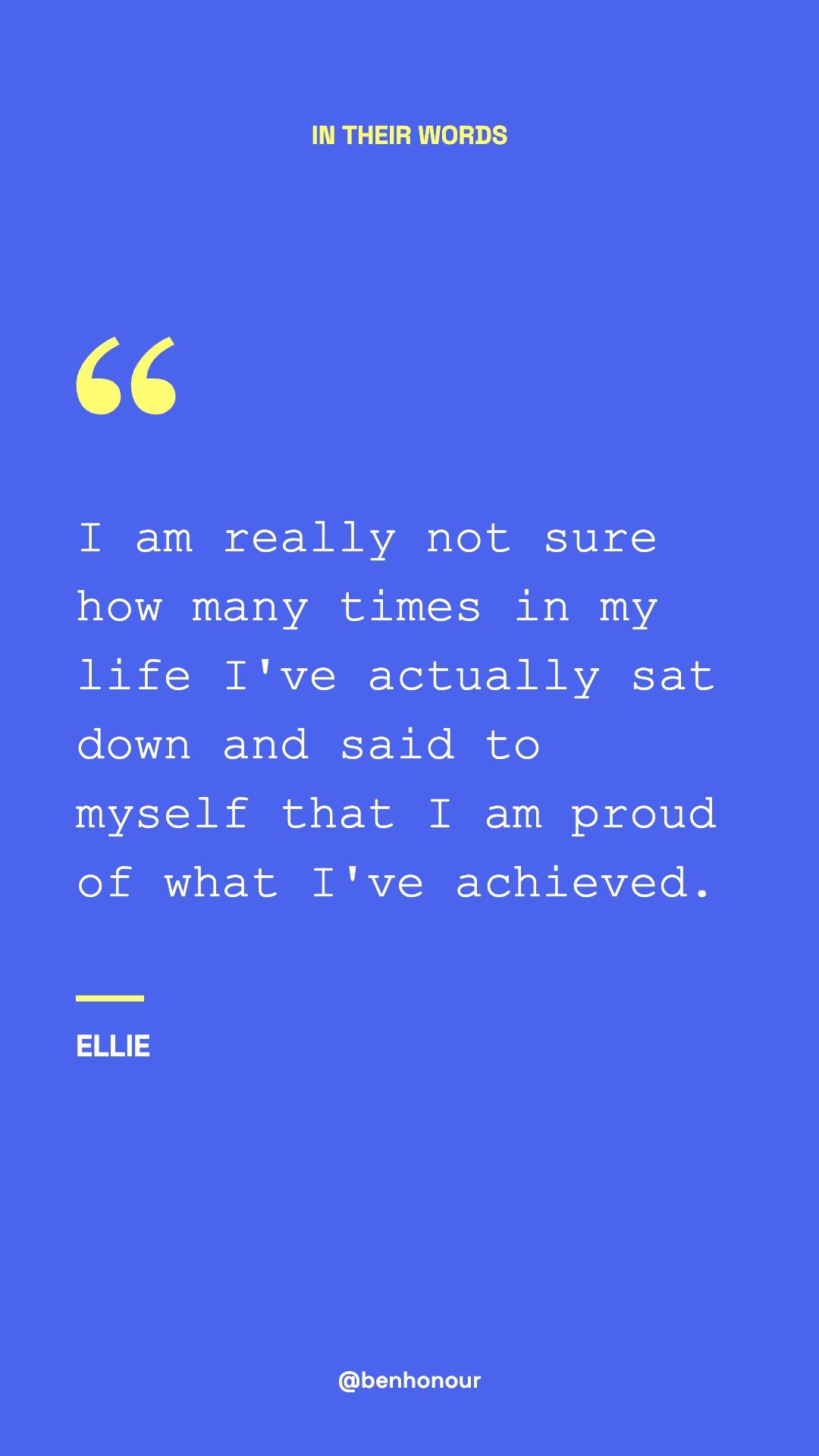
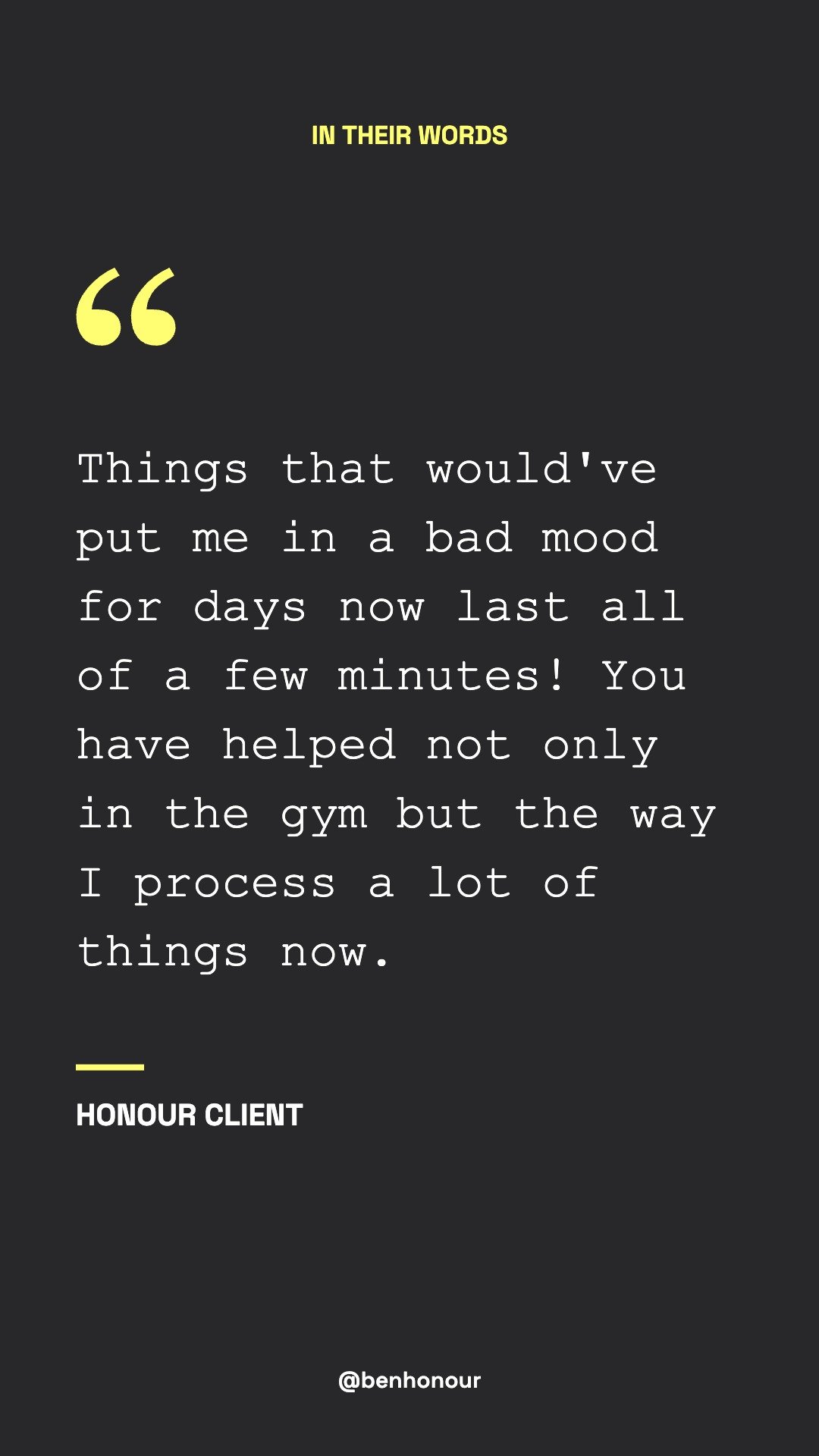
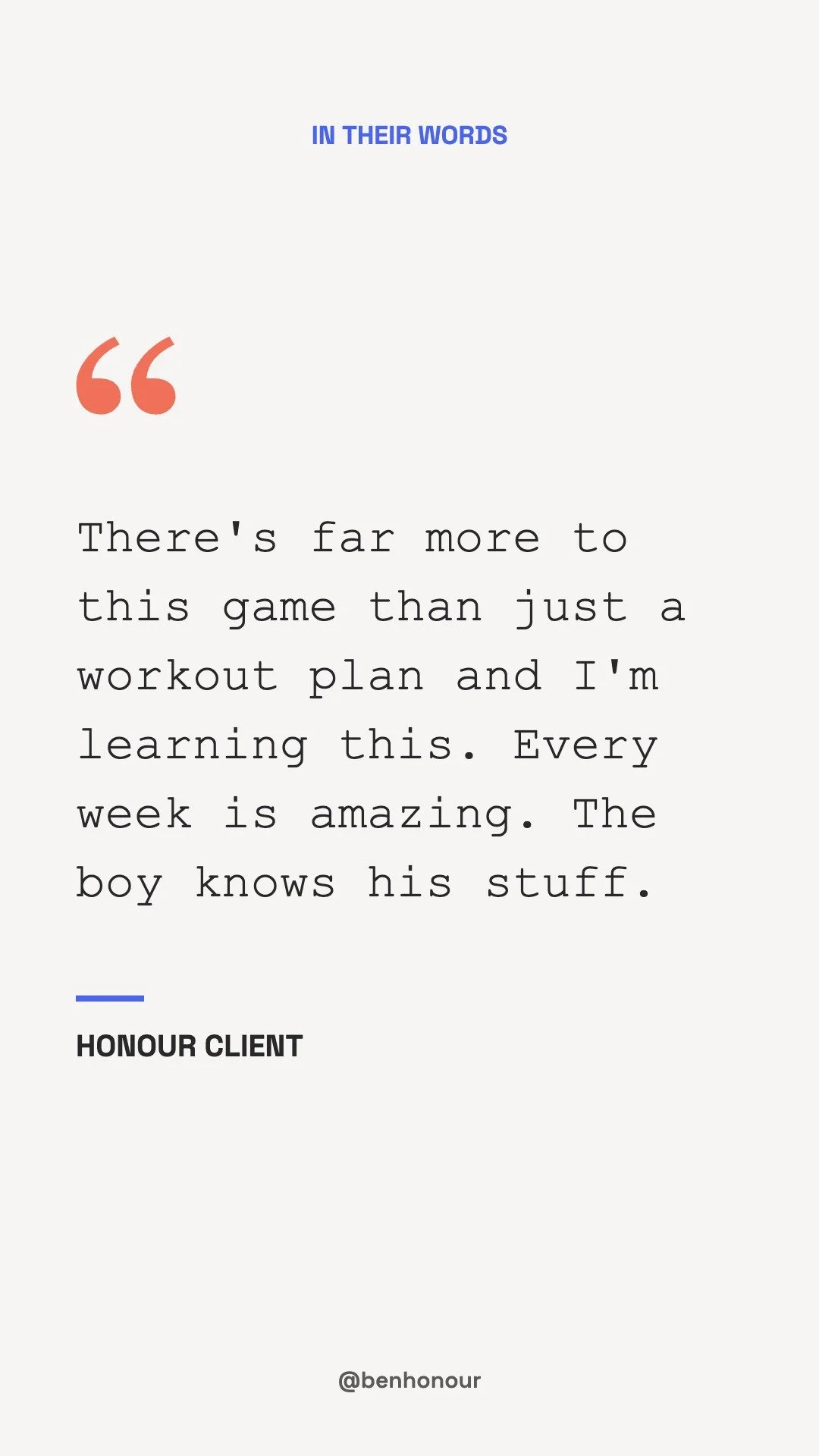
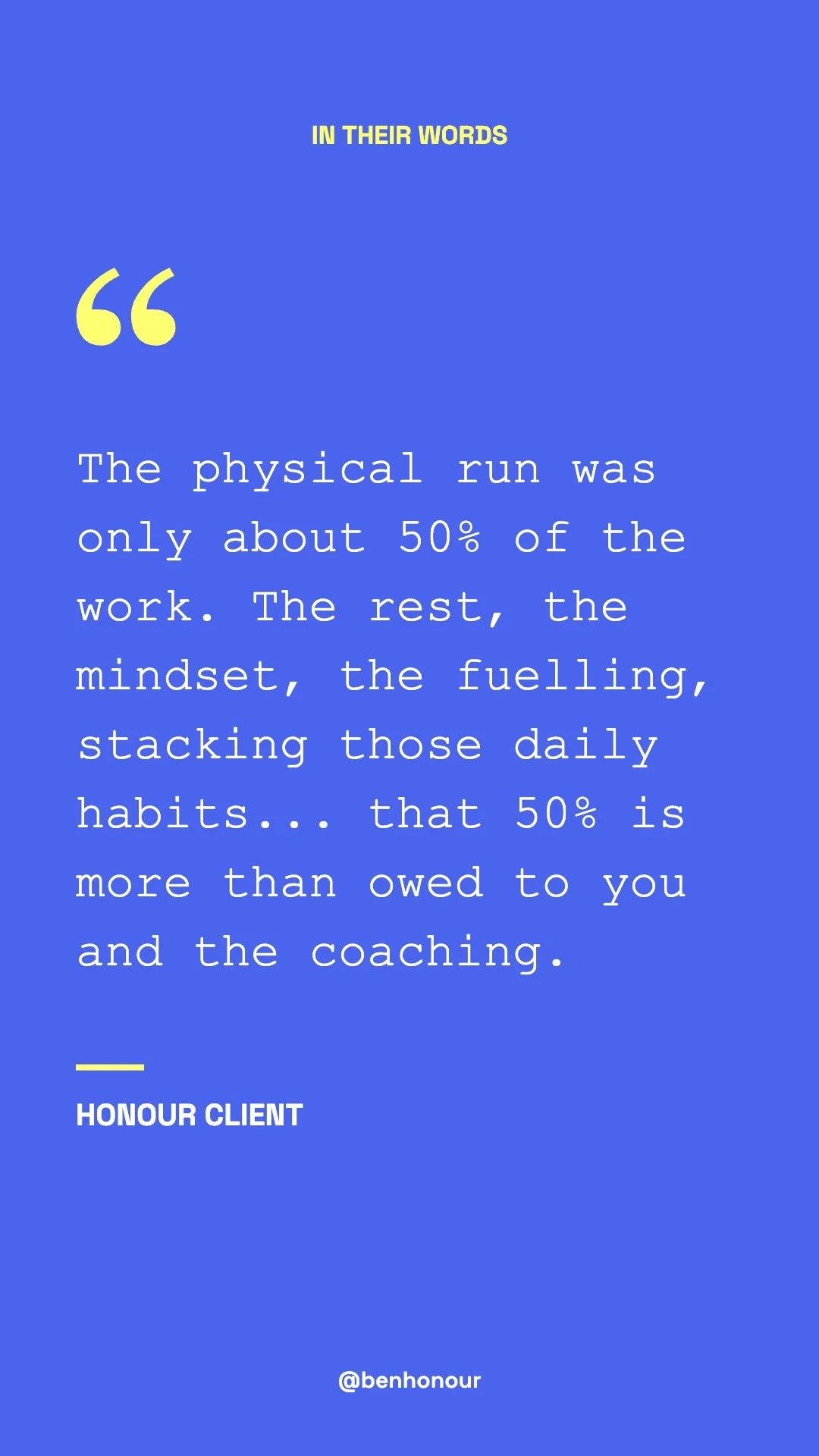
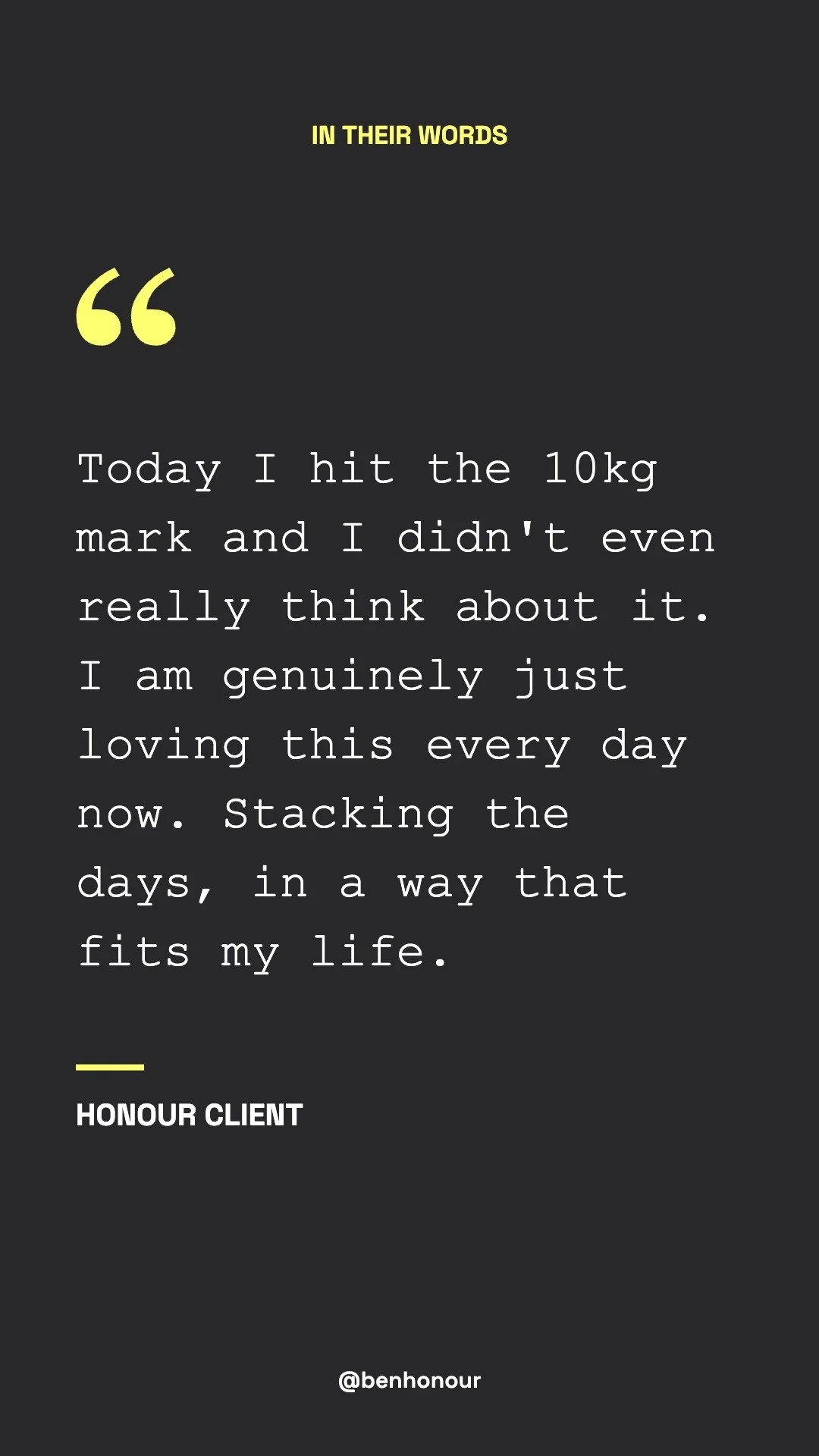
In Their Words
14 slides. Real messages from clients about what it's like working with you. Post them as stories in this order, then add them all to a new In Their Words highlight.